Quick set-up guide7
Adding contacts
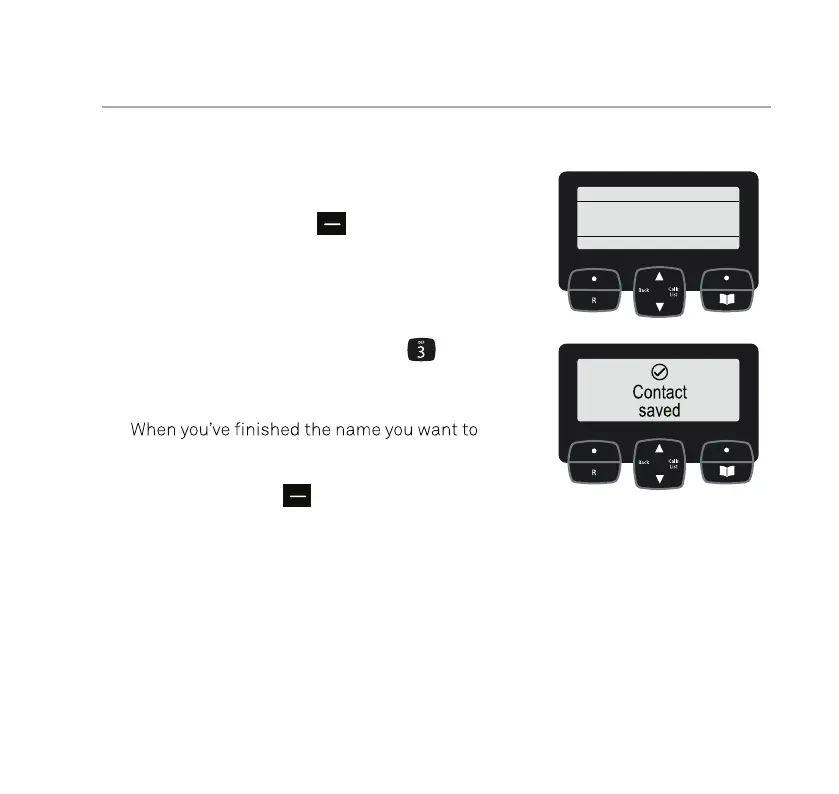
8. Select Yes to add contacts now (or press
the right option button
to skip to the
next step).
9. Use the number buttons on the keypad to
enter the name of a new contact. To select
the correct letter, press the number button
it appears on e.g. for Emma, press
twice
and do the same thing to complete the rest
of the name.
10.
save, press Next.
Tip: if you make a mistake, go back a digit
by selecting Clear,
.
11. Then use the keypad to enter the telephone
number and press Save.
12. To add another, select Yes and then
repeat steps 9 to 11.
If you need some help, call us on 13 2200 or go to https://go.telstra.com.au/helpandsupport/home-phone/
calls will get straight through to you, without the
when you save a contact.
Set up
Yes No
Add some
contacts?



 To Next Page