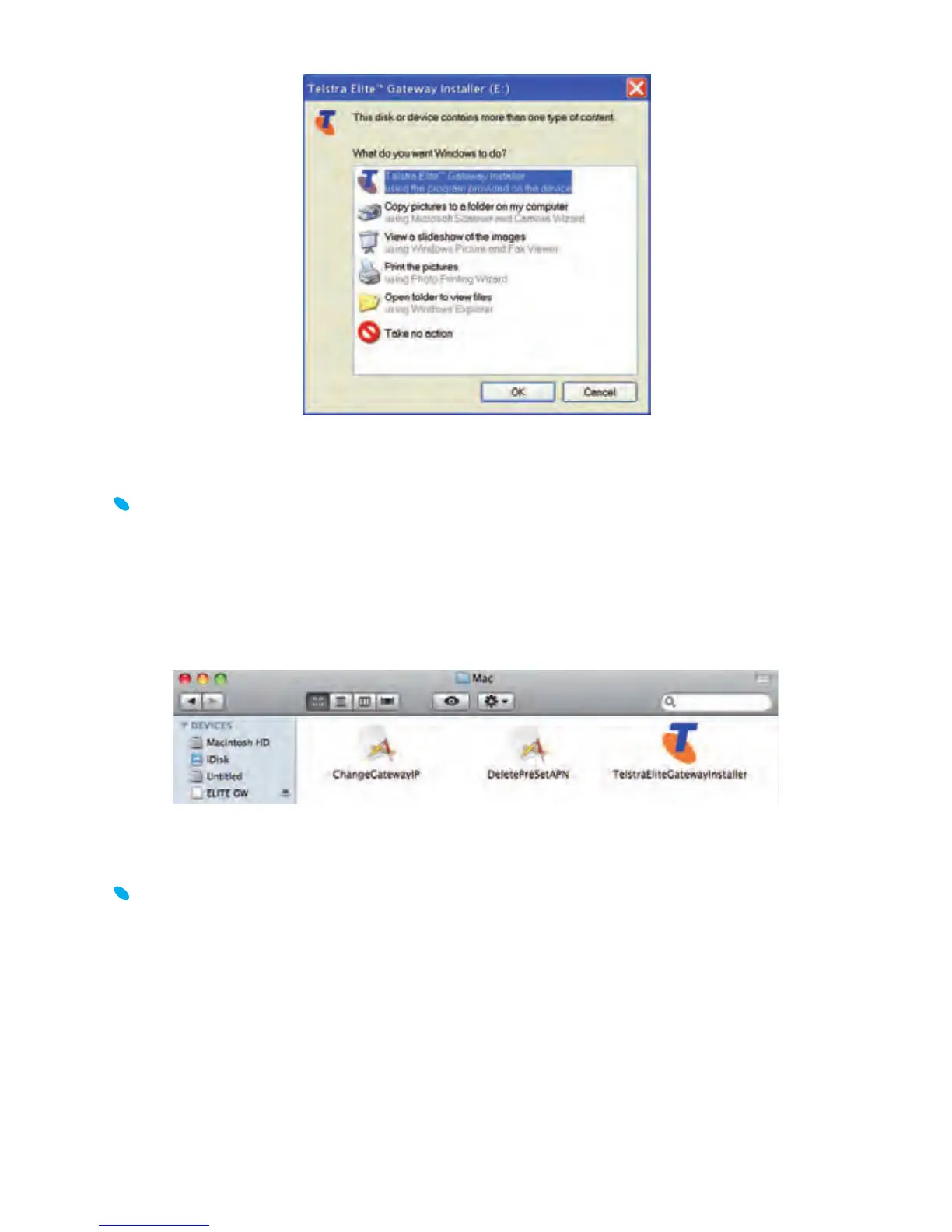
FOR MICROSOFT OPERATING SYSTEMS:
The installation should load automatically. If it doesn’t, open ‘My
Computer’ and double-click on the ‘TelstraEliteGatewayInstaller.exe’
icon. Then, follow the step-by-step instructions to set up your Telstra
Elite® Gateway.
FOR MAC OPERATING SYSTEMS:
Double-click on the “ELITE GW” icon on your desktop and open the
“Mac” folder. Double click on “TelstraEliteGatewayInstaller” icon
and follow the simple step-by-step instructions to set up your Telstra
Elite® Gateway.



 To Next Page