INSTALLING THE CONNECTION
CLIENT SOFTWARE
The installation USB Key will guide you through setting up your
Telstra Elite® Gateway.
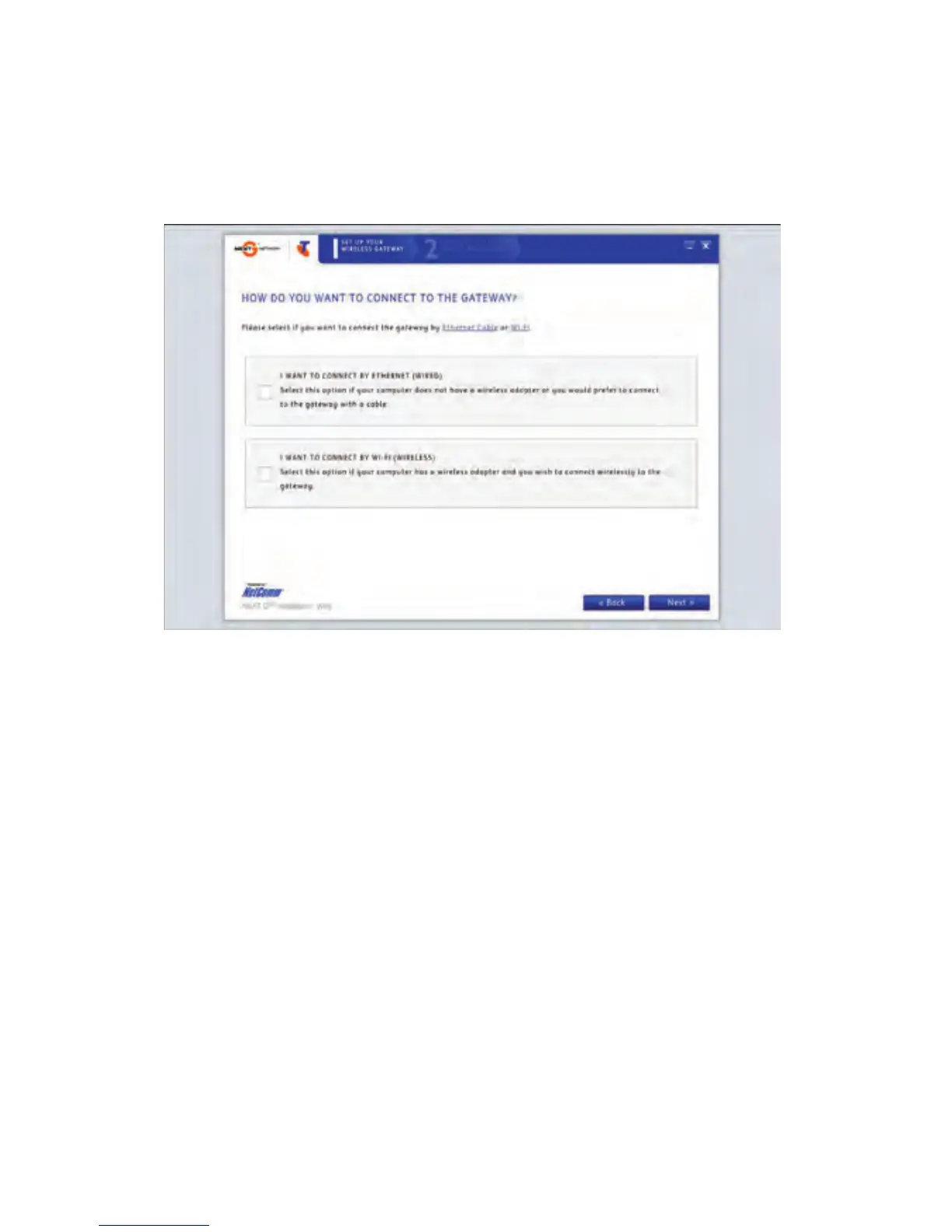
During the setup process you will be asked to choose whether you
want to set up a ‘Wired’ or ‘Wireless’ (WiFi) connection*. If you select
the ‘Wireless’ (WiFi) connection, please make sure that you enable the
wireless network connection function on your computer.
* If your computer has a WiFi adaptor.



 To Next Page