Telstra MF65 User Manual v1.0 Page 7 of 30
CONFIGURE YOUR DEVICE USING THE WEB INTERFACE
CONNECTION
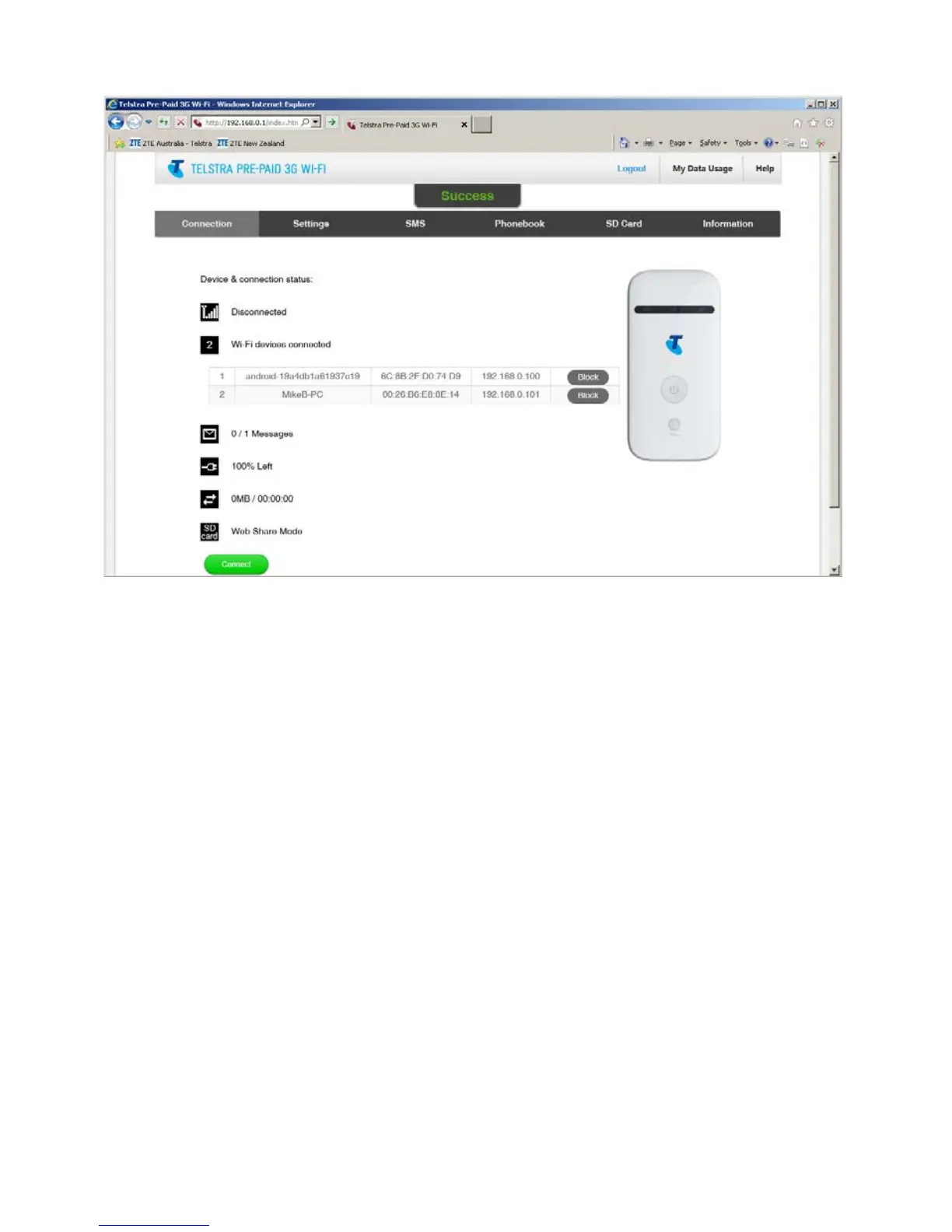
The Connection tab shows the summary device status, how many devices
are connected by Wi-Fi and whether you are connected to the mobile
broadband network.
• The device will automatically connect to the network so it shows the
Disconnect button status by default.
• To change this behaviour press Disconnect first, then go to Settings >
Network Settings > WAN Connection Mode, and select Manual.
• The number of devices connected to your Wi-Fi hotspot is displayed and
you can select to Block unwanted devices if required.



 To Next Page