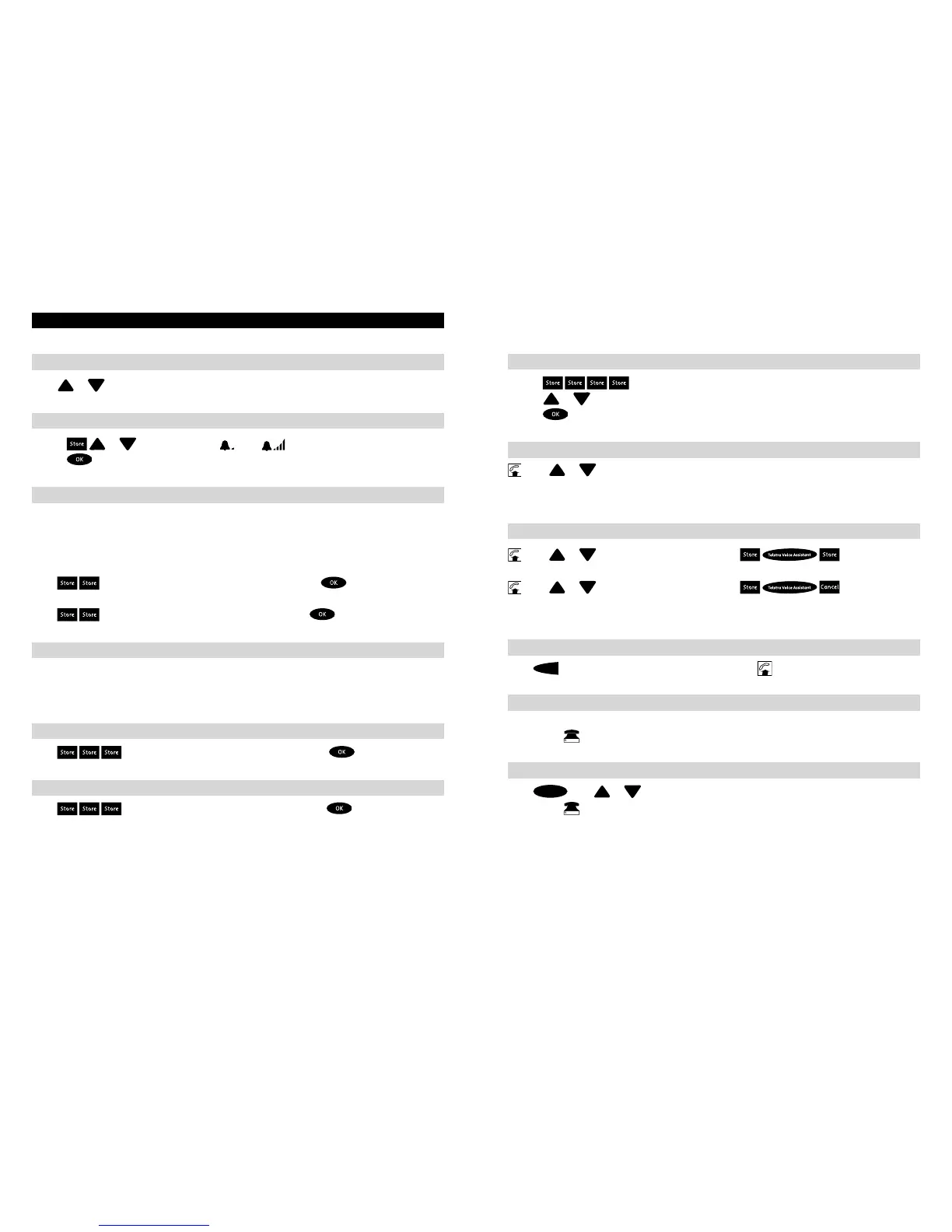
TELEPHONE SETTINGSS
To adjust the ringer volume when the telephone is ringing
Press
or
while the phone is ringing.
To adjust the ringer volume when the telephone is idle
1. Press
or
Display will show
(Min)
(Max)
2. Press
to clear the display and save setting.
To suppress the first ring
When text messages are delivered to your phone, your phone will ring once.
If you do not want your phone to ring for text messages, you can suppress
the first ring. However, this is not recommended as any other phone you
have connected to the same line will still ring.
To suppress the first ring
Press
Display will show “SUPPRESS FIRST RING”, press
To re-enable the first ring
Press
Display will show “ENABLE FIRST RING”, press
Key tone
When the handset is lifted, your phone generates a key tone for each valid key press.
If you have a power adaptor connected, the key tone is generated when the handset
is on the hook.
To disable the key tone
Press
Display will show “DISABLE KEY TONE”, press
To enable the key tone
Press
Display will show “ENABLE KEY TONE”, press
4 5
To adjust the display contrast
1. Press
Display will show “CONTRAST”.
2. Press
or
to adjust contrast.
3. Press
to clear the display and save the setting.
To adjust the earpiece volume
press
or Adjusts the earpiece volume to one of four levels.
Confirmation tone will stop after the minimum or maximum setting has been reached.
Note: The earpiece volume will reset to normal when the handset is replaced, unless you fix the level.
To fix the earpiece volume
press
or
to adjust the volume and press
To have the volume reset to normal when the handset is replaced
press
or
to adjust the volume and press
Note: The T1000C also provides magnetic coupling in the handset for use with hearing aids with
a T position switch.
Last Number Redial
Press



 To Next Page