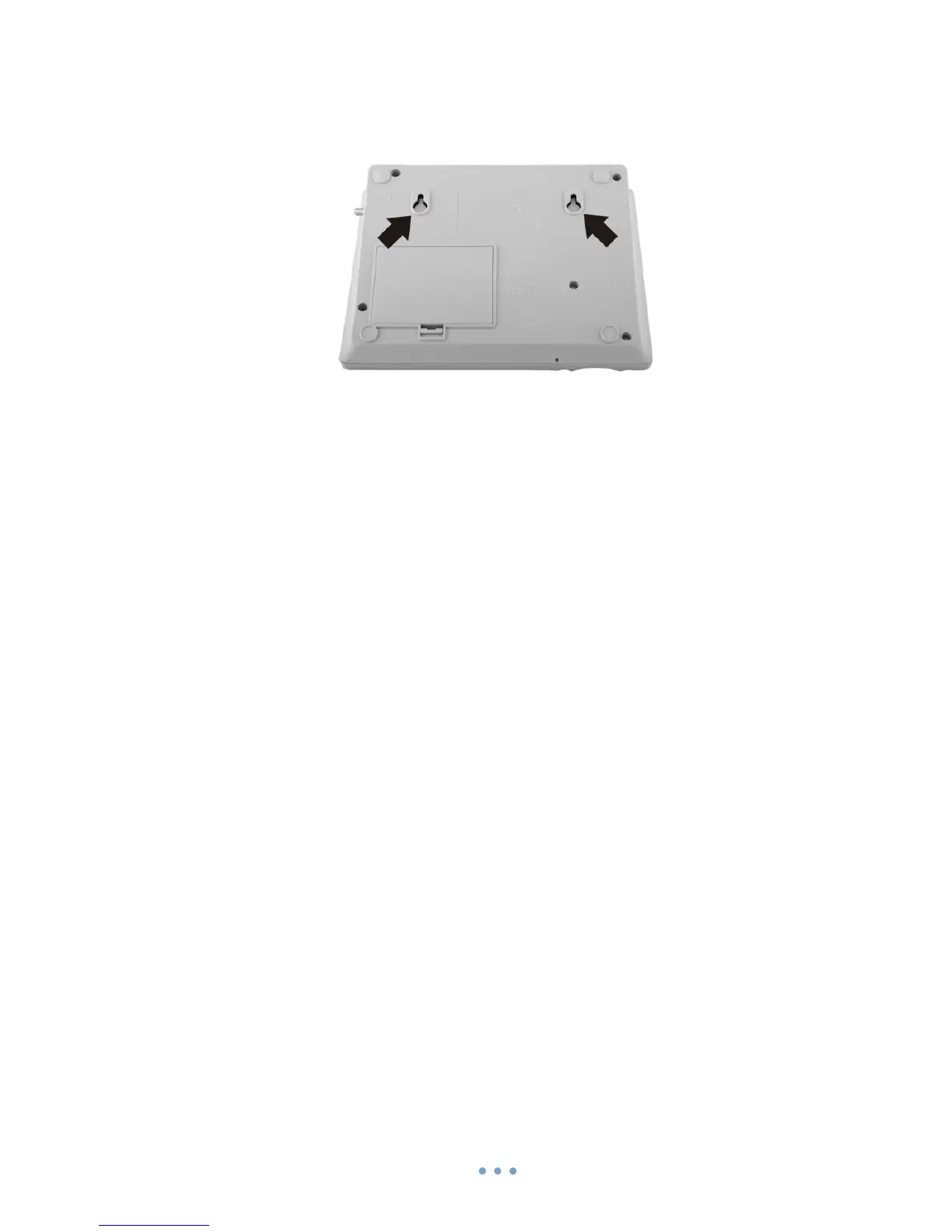
Wall mounting
GSM desktop phone can be mounted on the wall. Device has two holes for
mounting as shown in figure below:
To mount device on the wall please do the following:
1. Mark a location for two holes 115mm horizontally apart and drill two holes in the
wall.
2. Install the screws (not supplied) into the wall, leaving a gap of approximately
3 mm between screw head and wall.
3. Mount the GSM desktop phone on screws.
Turning on GSM desktop phone
Before turning on the phone make sure that:
- SIM card is inserted
- Battery is connected (not necessary)
- Antenna is attached
- Handset is connected to the phone
- Power adapter is connected
After all these operations are done you can switch the phone on by pushing the
power button on a back panel. After the device is switched on it will start up. LCD screen
will display information that the phone is starting up. To turn off the phone press the
same button again.



 To Next Page