Procedure to install the GSM mobile phone
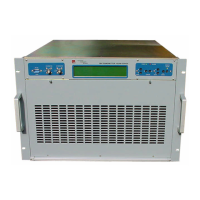
Before to switch on the transmitter (see picture 1 and 2):
1. Remove the transmitter cover side up.
2. Insert the DATA SIM CARD in the transmitter (use a DATA SIM CARD only).
3. Unlock the PIN code by a standard GSM mobile phone.
4. Connect RS 232 cable (cable number 1) and GSM antenna cable (cable number 4).
5. Connect power supply GSM cable to the DLCD board (cable number 2).
6. Connect battery cable (cable number 3).
7. Encase the transmitter cover side up.
8. Insert the transmitter in the cabinet.
9. Connect the antenna on the cabinet.
Now it’s possible to switch on the transmitter. To enable the GSM mobile phone operate on the keyboard :
1. Press REMOTE button.
2. Select GSM remote control.
3. Wait a few seconds to appear “FIELD” on the display and then press ENTER button.
4. Be secure to switch on the yellow LED.
Now it’s possible to send and receive SMS messages from the transmitter by GSM mobile phone or a
modem.


 To Next Page