TEMPUR-PEDIC ACTIVEBREEZE® USER MANUAL | 27
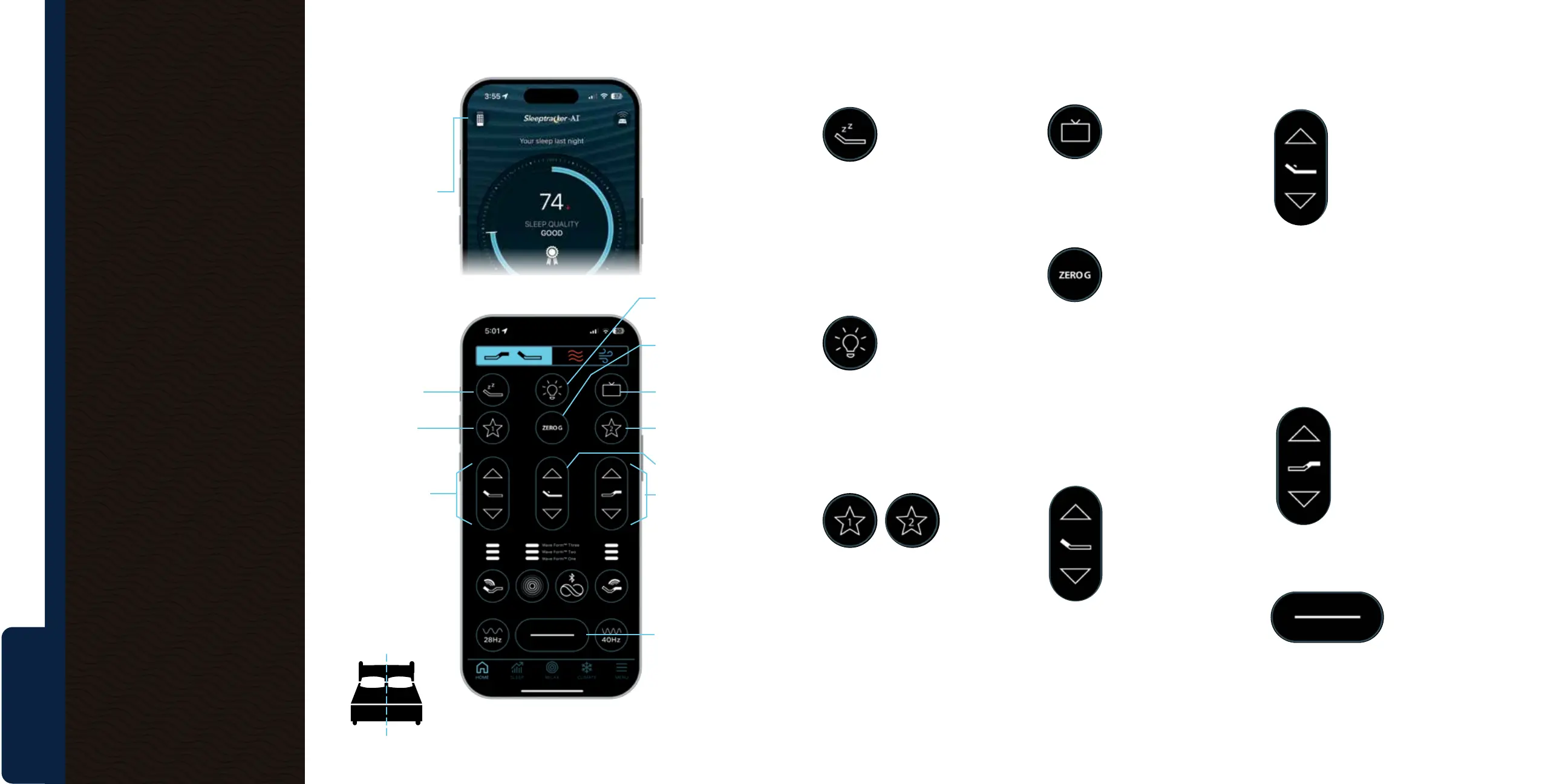
QuietMode™
Helps relieve snoring
for you or your partner
by gently tilting the
mattress position to help reduce
snoring. Tap the preset QuietMode™
icon to raise the head of the bed
slightly to help open airways and
reduce snoring.
Underbed Light
Navigate your bedroom
at night – without tripping
or disturbing your partner
– with LED underbed
lighting that is easily activated with
your phone. Tap the light to turn the
underbed light on/o.
Favorite Positions
Using the
head and foot
position icons,
adjust the base to your preferred
position and then hold either star
icon for 3 seconds to save. This
action will save your two favorite
positions for readily available use.
TV Position
Tap the TV icon to adjust the head
and foot position to the
preset
TV position for a
comfortable watching experience
in bed.
Zero G
Take the pressure o
your back while you
sleep – elevating your
head and feet to closely simulate
weightlessness.
Tap the ZERO G icon to adjust the
position to Zero Gravity, raising
your legs to relieve pressure on
your lower back.
Head Position
Tap the “up” arrow icon
to raise the head to your
preferred position. Tap
the “down” arrow icon
to lower the head to
your preferred position.
Lumbar Support
If you would like some
extra support for your
lower back (lumbar
area), whether you’re
sitting up or lying flat,
the lumbar feature can
raise up to a full 6 inches.
Tap the “up” arrow icon to raise the
lumbar support to your preferred
position. Tap the “down” arrow
icon to lower the lumbar support
to your preferred position.
Foot Position
Tap the “up” arrow
icon to raise the foot
to your preferred
position. Press the
“down” arrow icon
to lower the foot to
your preferred position.
Flat Position
Tap the flat icon once to return
the base to a flat position.
SLEEPTRACKER-AI® APP GUIDE
Right Side Left Side
Adjust
ergonomic
position.
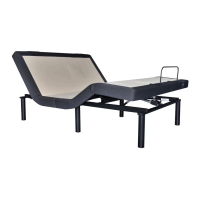
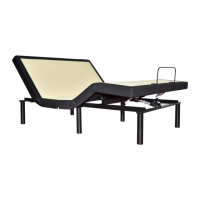
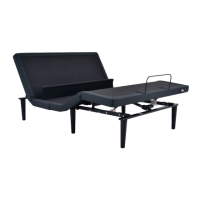
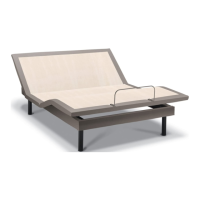
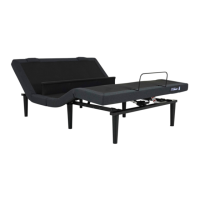
The TEMPUR-Ergo® ProSmart®
Air Base includes enhanced
lumbar support and a nearly
infinite number of ergonomic
positions – including Zero Gravity.
Select QuietMode™
for snoring.
Save your favorite
positions as presets.
Turn underbed light
on or o.
Select for preset
Zero Gravity position.
Select for preset
TV in-bed position.
Save your favorite
positions as presets.
Adjust lumbar support.
Adjust foot position.
Select to adjust base
to flat position.
Adjust head position.
Begin with the
Sleeptracker-AI
®
home screen:
Tap the remote
icon to pull up your
navigation screen.
Navigaton screen:



 To Next Page