TEMPUR-PEDIC ACTIVEBREEZE® USER MANUAL | 17
SLEEPTRACKER-AI® APP GUIDE
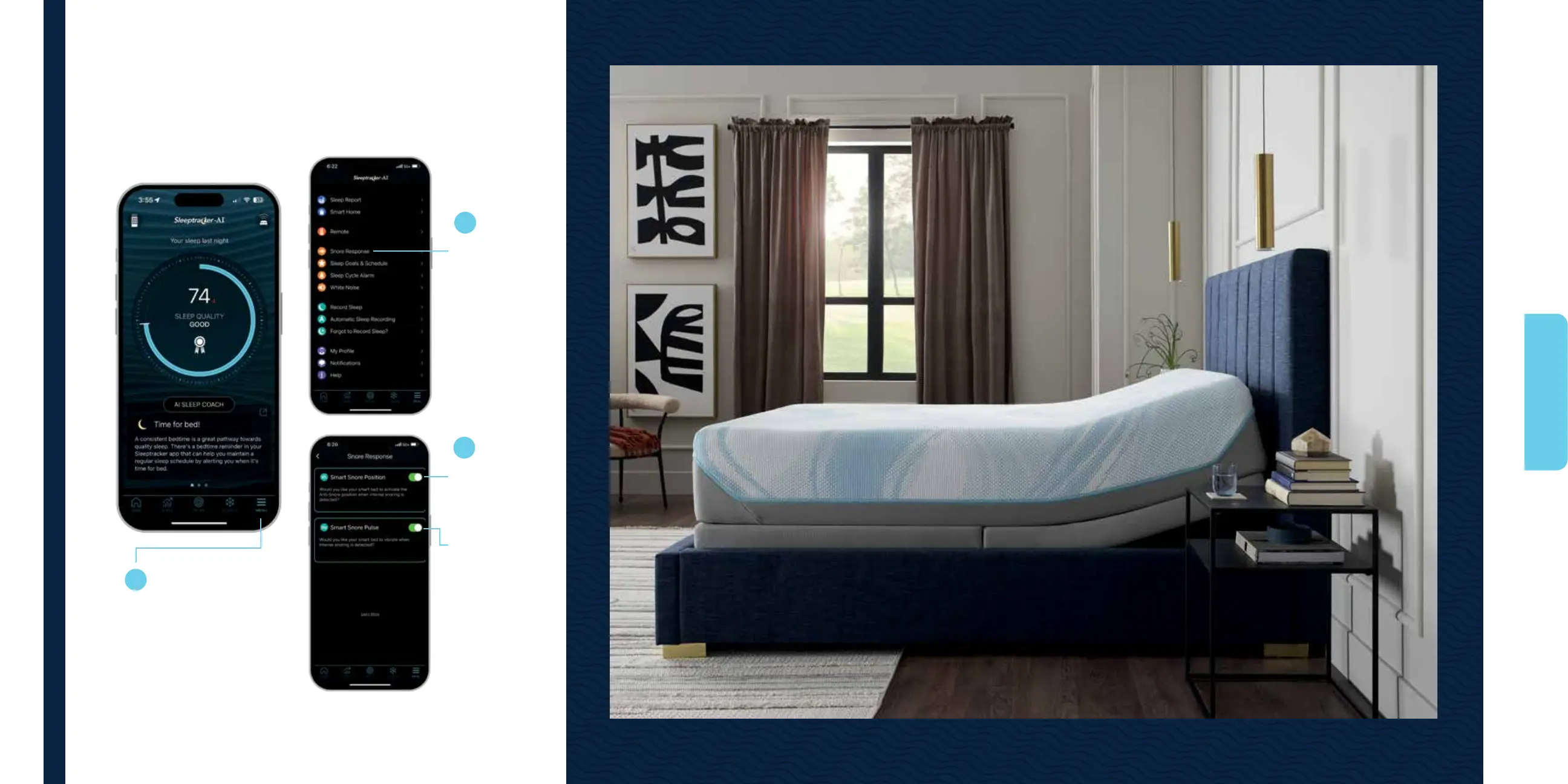
Begin with the
Sleeptracker-AI
®
home screen:
Select Menu to
activate smart,
auto snore response.
Select Snore
Response to
activate anti-
snore position.
Toggle on to
activate snore
response
position.
Toggle on to
activate auto
snore vibration
response.
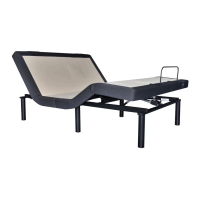
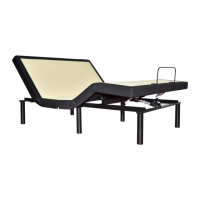
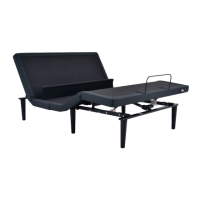
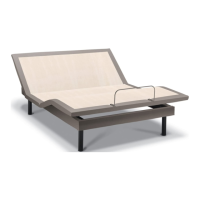
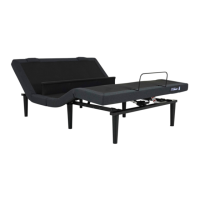
The TEMPUR-Ergo® ProSmart® Air Base features Snore Response™,
which automatically senses snoring and raises your head to a
position which may help reduce it.*
*Bed raises once approximately 12 degrees in response to snoring. This may reduce
snoring in otherwise healthy individuals who snore due to body positioning.
1
2
3
Smart, auto snore response:
SET AUTO
SNORE RESPONSE



 To Next Page