10
installation guide
STEP 11
STEP 12
STEP 13
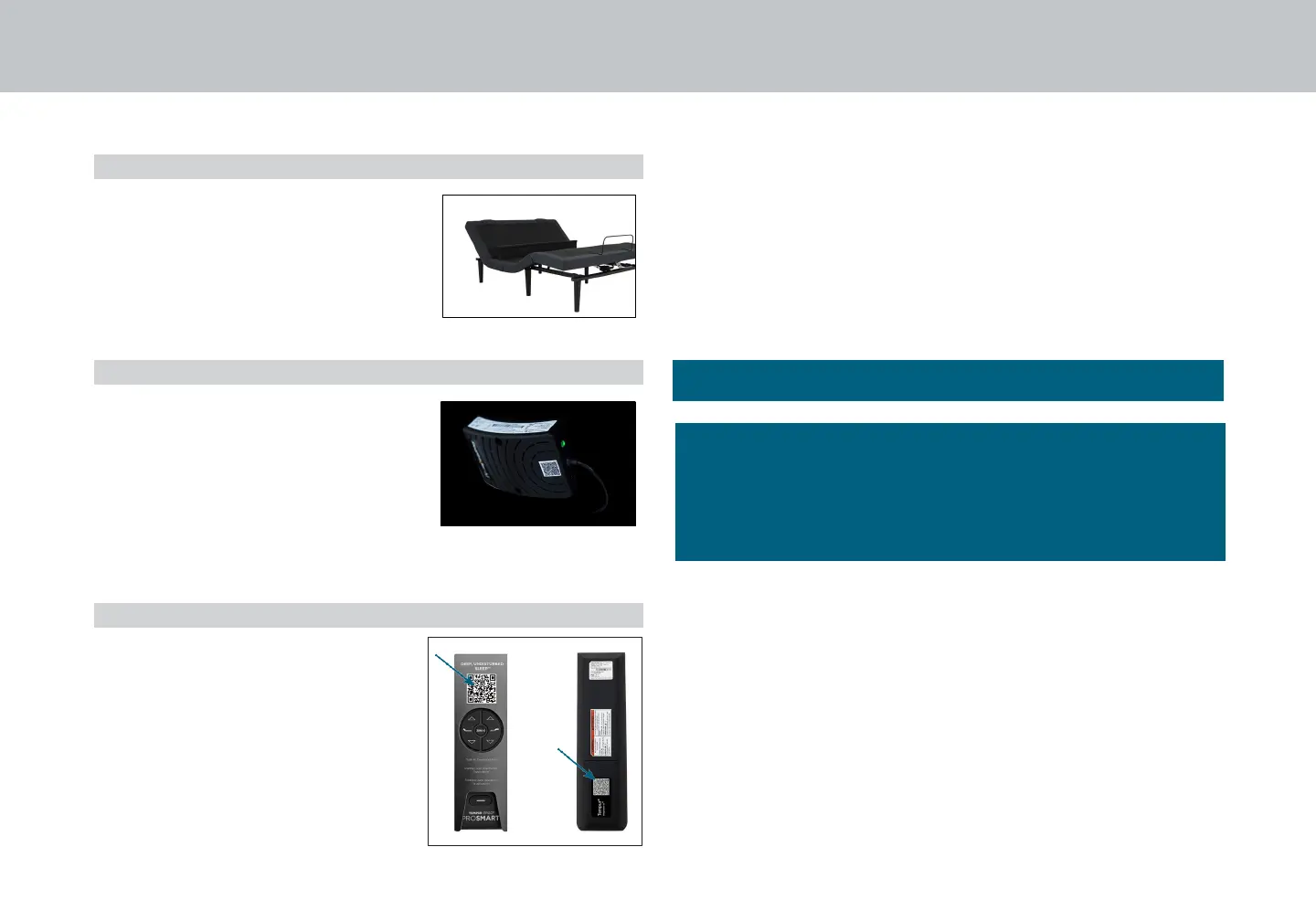
Using the remote, move the head of
the base to its full upright position.
Confirm that the LED on the black
Tempur
®
Sleeptracker-AI
®
processor
is blinking green. This may take up
to 90 seconds after connecting
power to the base. This indicates
that the processor is powered up
and ready to connect to a WiFi
network.
or
To complete the Smart Base setup, you will need to
download the Tempur
®
Sleeptracker-AI
®
App and follow the
in-app prompts. Once the app is connected, it will allow
access to the full functionality of your new Tempur Ergo
ProSmart
TM
Base.
Setup is now complete! Test all functions on remote.
The customer should scan the
QR code on the remote control
packaging or on the rear side label
of the remote control to set up the
Tempur
®
Sleeptracker-AI
®
App.
IMPORTANT!: For your safety, read the owner’s manual carefully
and completely before operating this product. Electric shock
may occur if electrical components are not installed or operated
according to these guidelines.


 To Next Page