53
O
EN Plug the bed into power supply.
O
KR 전원 공급 장치에 침대를 연결하십시오.
O
JP ベッドの電源ケーブルをコンセントに差し込みます。
O
CN 插床到电源。
O
CN 插床到電源。
1
O
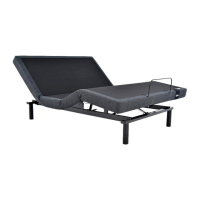
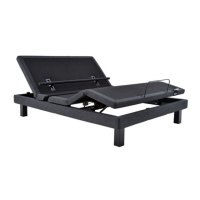
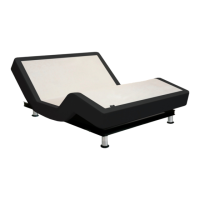
EN To operate the base from a smart device, the “Tempur Zero G Bed Base” application must be downloaded to the
desired smart device from the App Store (Apple) or Google Play Store (Android). Use of the Tempur Zero G remote app
requires a Bluetooth receiver which is sold separately, please contact your retailer for more information.
O
KR 스마트 폰이나 태블릿으로베이스를 조작하려면,"TempurZeroGBedBase"애플리케이션은AppStore
(Apple)또는GooglePlay스토어(Android)에서 다운로드해야합니다.Bluetooth사용을 위한 수신 리시버는
별도 구매해야 합니다.Aspire는 적용되지 않습니다.템퍼ZeroG리모컨 앱 사용을 위해서는Bluetooth사용을 위한 수신
리시버를 별도 구매해야 합니다.*현재 한국에서는 서비스되고 있지 않습니다.
O
JP スマートフォンやタブレットでベッドを操作するには、「テンピュール®Zero-G®」アプリケーションをApp Store(アッ
プル)またはGoogle Play Store(アンドロイド)からダウンロードしてください。 テンピュー
ル ®Zero-Gリモコンのアプリを使用するには、別売りの Bluetooth®レシーバーが必要です。(日本でのお取 扱はありません)
O
CN 要使用智能手机或平板电脑运行的基础,必须从AppStore(Apple)或GooglePlay商店(Android)下
载“TempurZeroGBedBase”应用程序使用TempurZero-G遥控应用软件,需要安装一个蓝牙接收器,此
接收器需另外单独购买,如需了解更多信息,请联系您
的经销商。
O
CN 要使用智能手機或平板電腦運行的基礎,必須從AppStore(Apple)或GooglePlay商店(Android)下
載“TempurZeroGBedBase”應用程序使用TempurZero-G遙控應用軟件,需要安裝一個藍牙接收
器,此接收器需另外單獨購買,如需要了解更多信息,
O
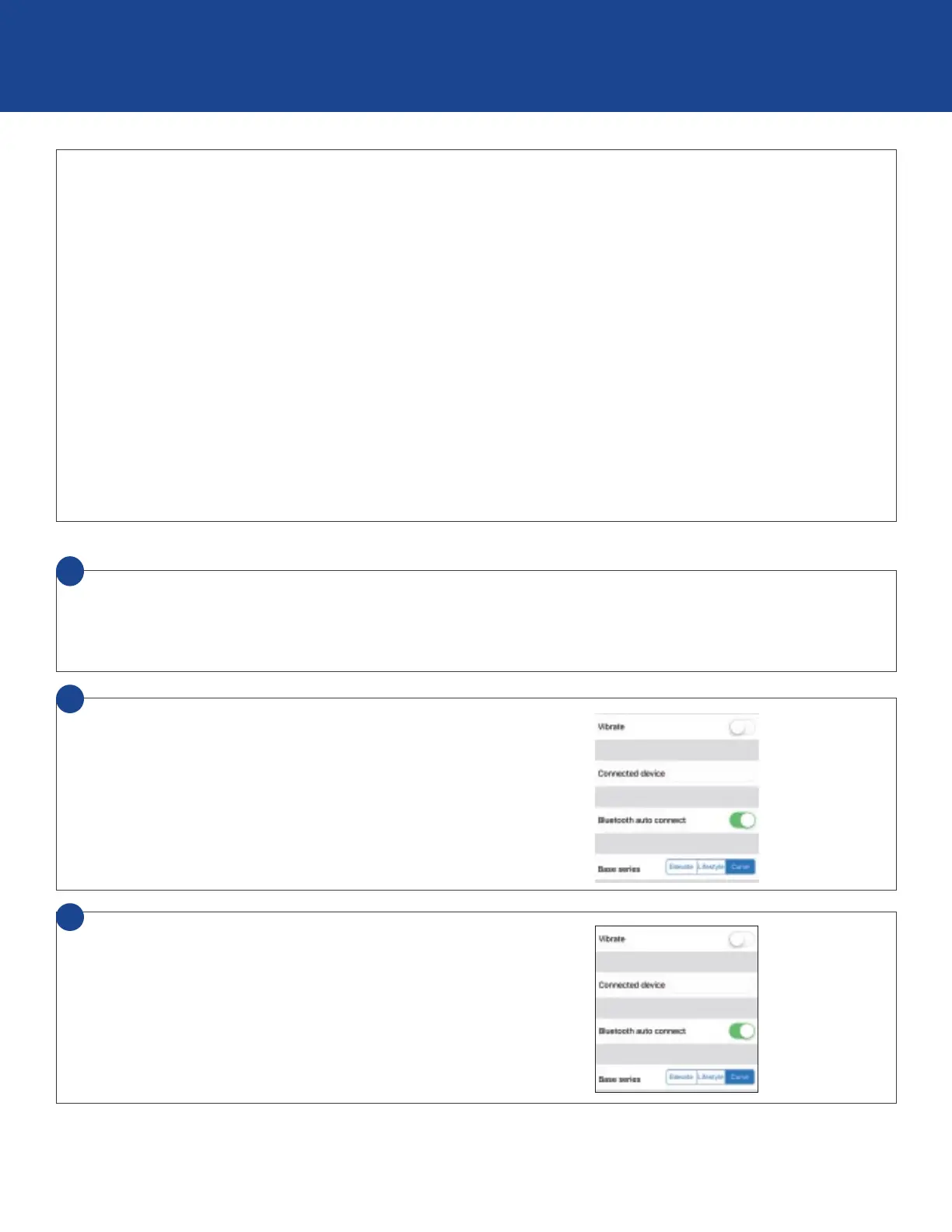
EN Select the Menu icon and view Settings.
O
KR 메뉴 아이콘을 선택하고 설정보기로 이동하십시오.
O
JP メニューアイコンを選択し、設定画面に移動します。
O
CN 选择菜单图标并进入设置视图。
O
CN 選擇菜單圖標並進入設置視圖。
2
O
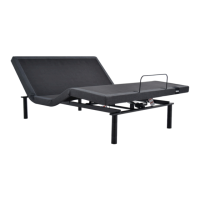
EN Select base series.
O
KR 기본 시리즈 선택
O
JP ベッドシリーズを選びます。
O
CN 选择基础系列
O
CN 選擇基礎系列
3
O
EN
bluetooth
®
remote control setup
O
KR bluetooth
®
원격 제어 설정
O
JP bluetooth®リモコンの設定(日本でのお取扱はありません)


 To Next Page