2Revision 1.1 08/18/2005
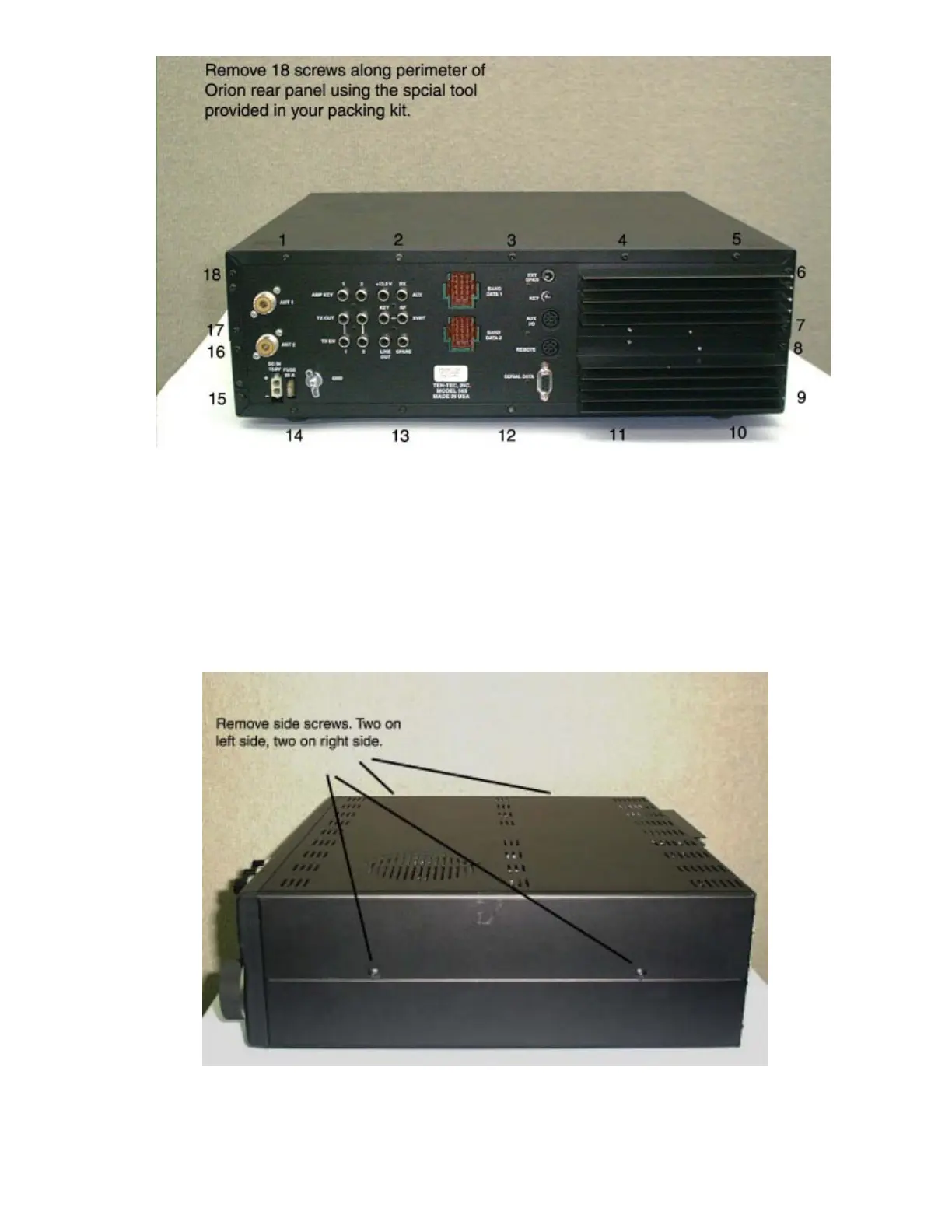
Step 1: Remove the 18 #10 Torx-type screws used to attach the
back of the Orion’s top and bottom covers to the chassis. The tool,
a T10 Torx screwdriver was included in the package of accessories
supplied with the transceiver. They are also available at your local
hardware or home improvement outlet.
Step 2: Remove the 4 large black phillips screws attaching the covers
to the sides of the chassis.















 To Next Page