11N Wireless AP User Manual
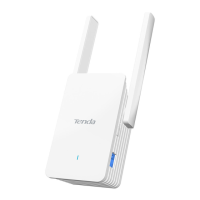
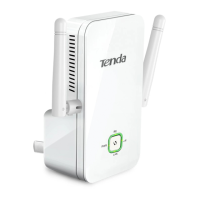
Port/Button Description
LAN For connection to a computer or router.
RESET Pressing this button for 7 seconds restores the
device to factory default settings.
PWR Power receptor. Do not use a different power
adapter than the included one.
6


 To Next Page
 Loading...