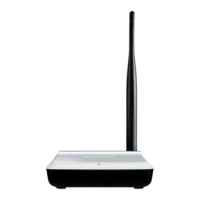
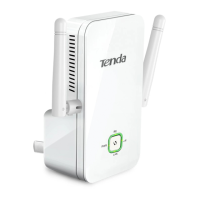
11N Wireless AP User Manual
Chapter 2 Installation
1. Connect one end of the included power adapter to the AP and
then plug the other end into a wall outlet nearby. (Using a power
supply with a different voltage rating than the one included with
the AP will cause damage to the product.)
2. Connect the LAN port on your AP to one of the LAN ports on a
wired router using an Ethernet cable.
7


 To Next Page
 Loading...