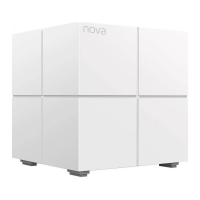
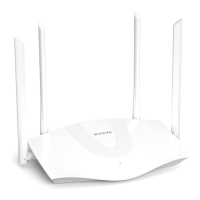
Connect the primary node-Mesh5
1. Power off your modem, and remove its battery (if any).
2.Use the included Ethernet cable to connect a LAN port of your
modem or the Ethernet jack to the WAN/LAN port of Mesh5
3. Reinstall its battery and power on your modem.
4 Use the included power adapter to connect Mesh5 to a
power source, and its LED indicator lights solid green. Wait
about for 40 seconds. The system completes startup when
the LED indicator blinks green.
Internet
WAN/LAN
Modem
Ethernet jack
Power


 To Next Page
 Loading...