Connect the mobile device to
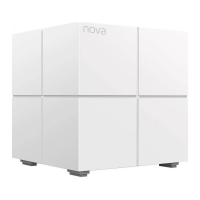
Mesh5
Go to the WiFi network list on your mobile device, select
the SSID of Mesh5, and enter its password. The SSID
and password are specified on the label of Mesh5.
-renda
AC1200 Whole Horne Mesh WiFi System
SSID
NOVA_XXXX
Password:
12:23""
Wi-Fi
< Settings
Wi-Fi
NOVA_XXXX
CHOOSE A NETWORK.
xxxxxx


 To Next Page
 Loading...