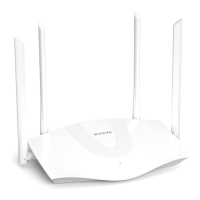
O Connectthesecondarynodes
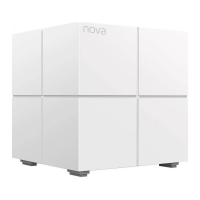
(Mesh5s) to the internet
1.For best performance, plug each secondary node (Mesh5s)
into a socket:
• In an elevated, open position with coverage area of your
existing nova WiFi network.
• Keep your nodes away from electronics with strong
interference, such as microwave ovens, induction cookers
and refrigerators.
After Mesh5s is powered on, its LED indicator lights solid green.
Wait about for 40 seconds. Mesh5s is connecting to another
node when its LED indicator blinks green.


 To Next Page
 Loading...