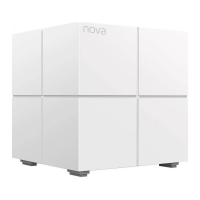
2. Observe the LED indicator of Mesh5s until it lights one of the
following colors:
Solid green
Solid yellow
Solid red
Good connection
Fair connection
Disconnected
3. If either Mesh5s'LED indicator does not light solid green,
relocate it according to step 1in V to get a better connection.
Done.
• To access the internet:
- Wired devices: Connect wired devices to the LAN ports of
your nodes.
- Wireless devices: Connect wireless devices to your WiFi
network using the SSID and password you set.
• If you want to manage the network anytime, anywhere then
access theApp,tapOand logintoyouraccount.


 To Previous Page
 Loading...