EasyManua.ls Logo

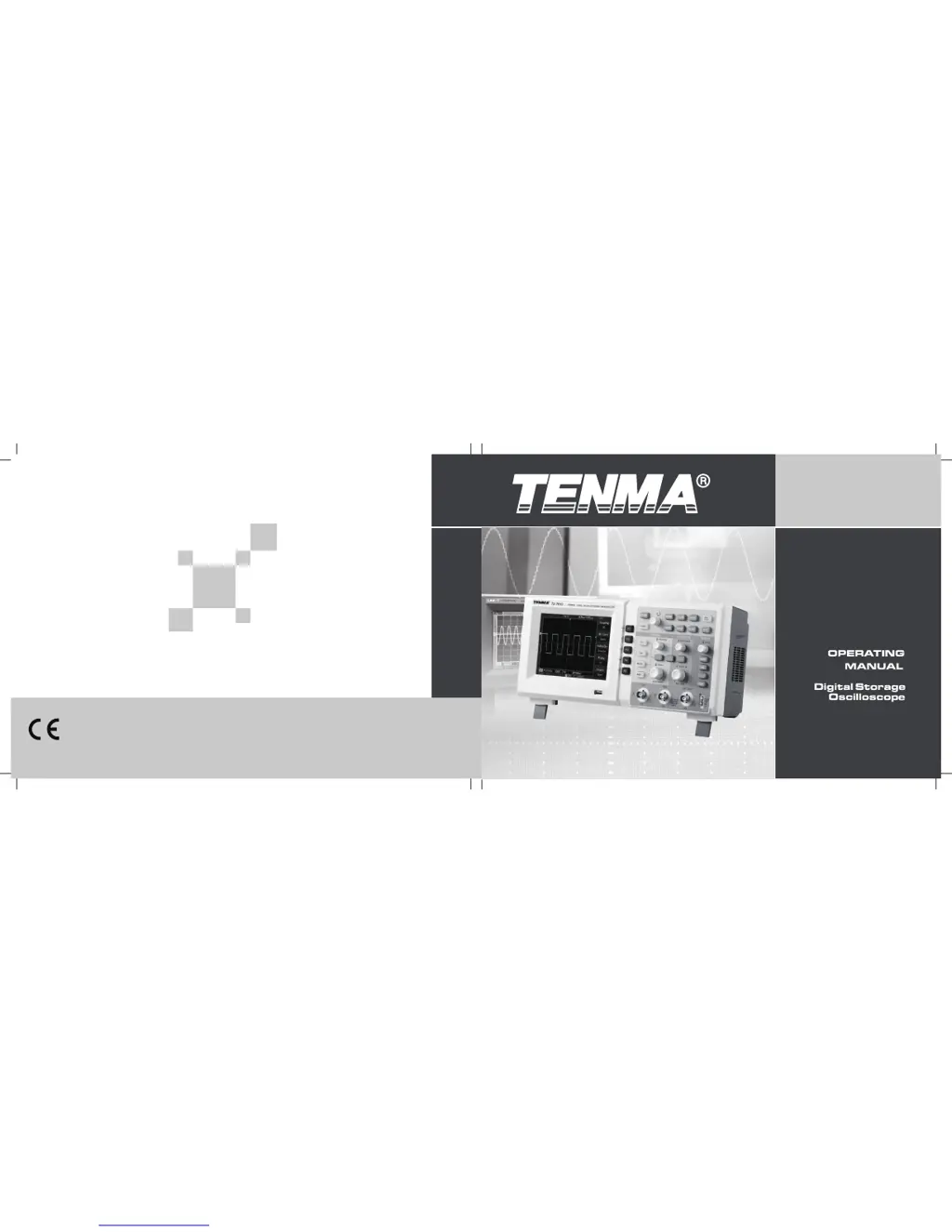
Tenma 72-2650 - User Manual

Tenma 72-2650
74 pages
Print Icon
To Next Page IconTo Next Page
Loading...
72-2650
72-8705A
72-8710A
72-8225A
72-10510
P/N: 110401105556X REV.0 DATE:2016-02-20

Table of Contents

Other manuals for Tenma 72-2650

Questions and Answers

  • T
    Tyler MillerAug 9, 2025
    Why is the waveform unstable on my Tenma Test Equipment?
    • M
      Maria ClarkeAug 9, 2025
      If you are seeing an unstable waveform on your Tenma Test Equipment, examine the trigger settings. Ensure the trigger type is set to 'edge' for typical signals. Verify the trigger source matches the signal input channel. Also, make sure the trigger mode is set to 'normal' or 'single.' Try adjusting the coupling display to high or low frequency suppression.
  • D
    David KingAug 14, 2025
    What to do if the voltage amplitude is too high on Tenma 72-2650?
    • L
      Lynn HammondAug 14, 2025
      If the voltage amplitude displayed on your Tenma Test Equipment is 10 times larger than expected, verify that the channel attenuation factor corresponds correctly with the probe attenuation.
  • J
    John HardinAug 19, 2025
    How to fix a black screen on Tenma Test Equipment?
    • M
      Michael JenkinsAug 20, 2025
      If your Tenma Test Equipment screen remains black after you switch it on, ensure the power supply and mains lead are properly connected. Also, check that the main power supply is switched on.
  • D
    deanna83Aug 25, 2025
    What to do if no waveform is displayed on Tenma Test Equipment?
    • B
      Brian WilliamsAug 25, 2025
      If no waveform is displayed on your Tenma Test Equipment after acquiring a signal, first check that the probe and signal lead are securely connected to the BNC. Then, confirm that the object you are measuring is actually generating signals.
  • J
    Jonathan TannerAug 29, 2025
    Why is my Tenma Test Equipment display slow after enabling average sampling?
    • W
      Whitney JamesAug 30, 2025
      If the display speed of your Tenma Test Equipment slows down after enabling average sampling time, this is normal behavior when average sampling is carried out more than 32 times. To improve the speed, reduce the intervals of average sampling.
  • C
    Cheryl MataSep 3, 2025
    How to fix ladder shape waveform on Tenma 72-2650 Test Equipment?
    • L
      leslie25Sep 3, 2025
      If the waveform display on your Tenma Test Equipment appears in a ladder shape, set the display type to dot. This adjustment should resolve the issue.

Tenma 72-2650 Specifications

General IconGeneral
BrandTenma
Model72-2650
CategoryTest Equipment
LanguageEnglish

Related product manuals