32
INFORMATION ON WASTE DISPOSAL FOR CONSUMERS OF ELECTRICAL &
ELECTRONIC EQUIPMENT.
When this product has reached the end of its life it must be treated as Waste
Electrical & Electronic Equipment (WEEE). Any WEEE marked products must not be
mixed with general household waste, but kept separate for the treatment, recovery
and recycling of the materials used. Contact your local authority for details of recycling
schemes in your area.
Made in China. PR2 9PP
Man Rev 1.0
MAINTENANCE
FACTORY SETUP
Cleaning
• Periodically wipe the case with damp cloth and mild detergent. Do not use
abrasives or solvents for cleaning. Disconnect from the mains rst.
• Clean the measurement probe tips occasionally, as dirt on the probes can affect
reading accuracy.
• Take care to avoid scratching the glass display when cleaning the LCD.
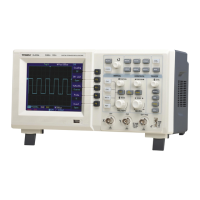
• Do not leave the oscilloscope where the LCD screen will be exposed to strong
direct sunlight for long periods.
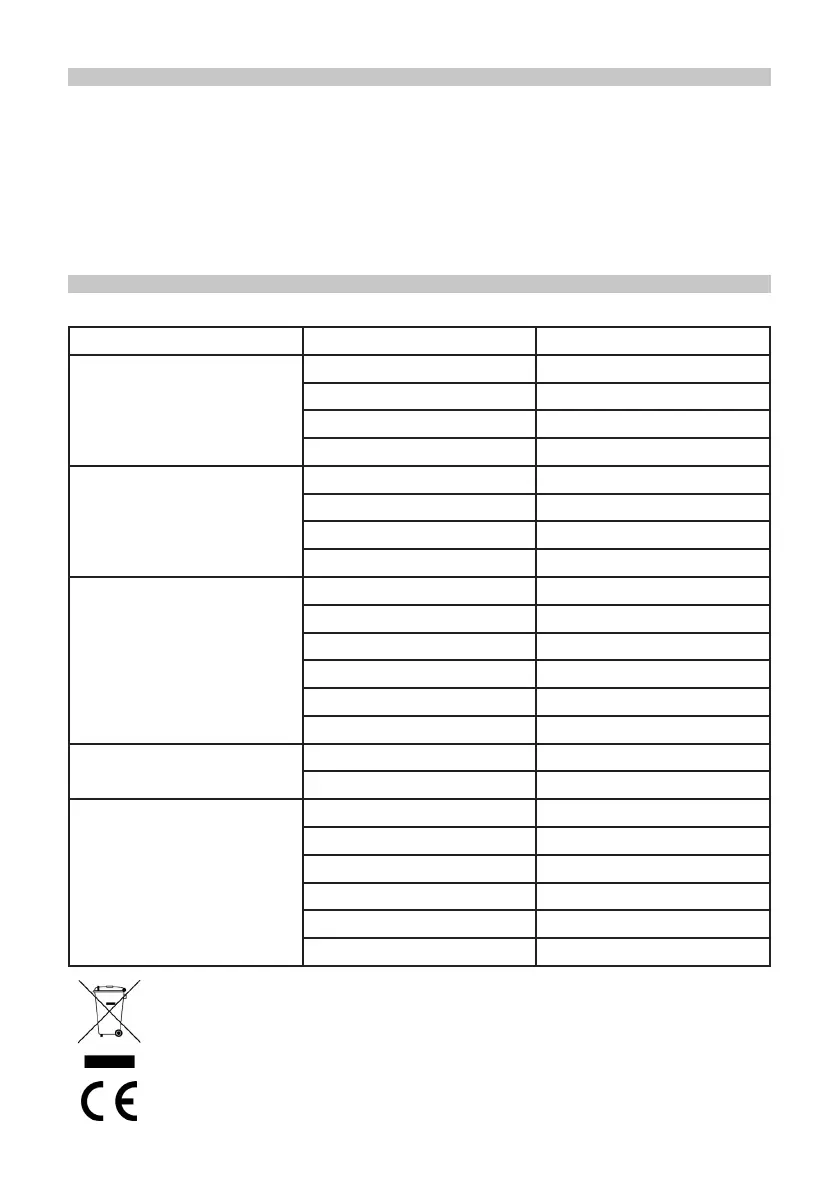
• When you press UTILITY and choose factory setup, the following options are set:
System Function Factory Setup
Vertical System
CH1 5V/DIV
POSITION Vertical centre point
CH2/CH3/CH4 Off
MATH, REF Off
Horizontal System
Dual time base Off
Window expansion Off
Horizontal time base 1.0ms/div
Horizontal displacement Horizontal centre point
Trigger System
Holdoff time Minimum 96,000ns
Trigger type Edge
Signal source CH1
Coupling mode AC
Trigger mode Auto
Slope Rise
Acquisition
Sampling mode Normal sampling
Equivalent mode Off
Other system
Save type Setup
Measurement Off - Clear all measurements
Cursor Off
Frequency counter On
Display format YT
Display type Vector


 To Previous Page