3
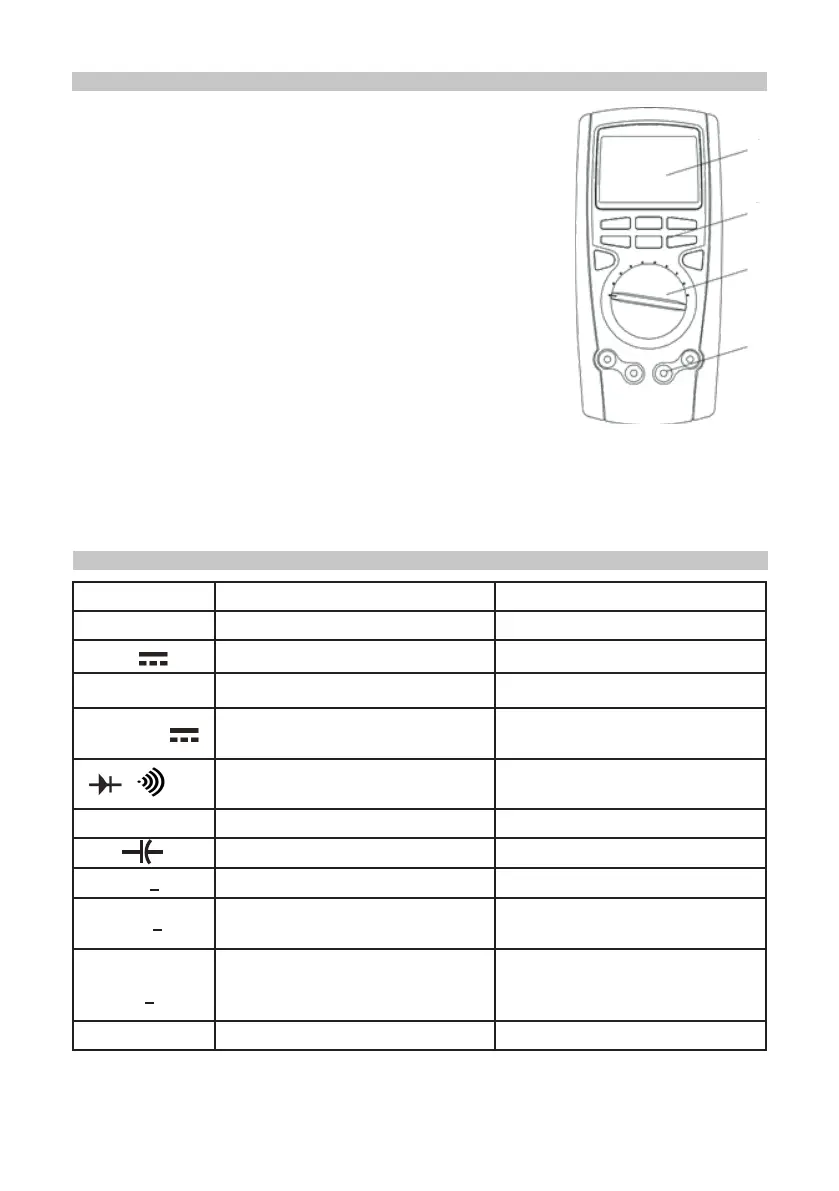
OVERVIEW
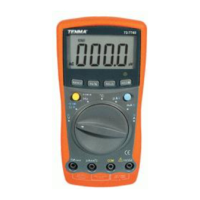
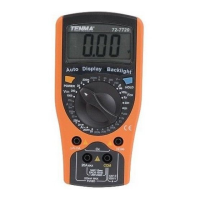
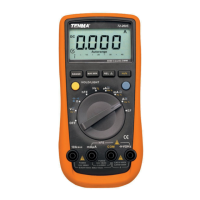
1. LCD display
2. Function buttons.
3. Range selector.
4. Input terminals.
Automatic Power Off
• The display blanks and the meter goes into sleep mode
after a 10 minute period of inactivity.
• While in Sleep mode, pressing the blue button or turning
the range selector will reactivate the meter.
• The meter then returns to the display for the function
selected with the range selector; all previously activated
button features are discarded.
Display Backlight
• Press LIGHT button to turn the backlight on and press
LIGHT again to turn it off. Press EXIT to exit the feature.
• Press LIGHT to select the backlight level (low or high) in the Setup menu where
you could specify a time to automatically turn off the backlight (10 seconds, 20
seconds, 30 seconds or OFF). If the period is set to OFF, the backlight feature is
disabled.
1
2
4
3
RANGE SELECTOR FUNCTIONS
Position Function Blue Key function
OFF Turn the meter off None
V
DC voltage measurement None
V
~
AC voltage measurement None
Hz % mV
DC millivolt measurement
Frequency measurement
Frequency signal duty cycle
Resistance measurement
Diode test
Continuity test
W Power measurement None
Capacitance measurement None
o
C
o
F
Centigrade measurement Fahrenheit measurement
μA~
DC current measurement
(400µA, 4000µA)
Switch between DC and AC
mA~
4-20mA
%
DC current measurement
(40mA, 400mA)
Switch between AC or DC
current 4~20mA loop current as
% reading
A~
AC or DC current measurement Switch between AC and DC
• Use the blue button to select any selected range alternate function.
• Changing the selected range does not carry over any sub-settings or functions.
Ω


 To Next Page