TM-720
5
6. Operation
6.1. LUX/FC Button:
Select LUX/FC.
6.2. CAL/ZERO Button:
Calibration of 1000 LUX:
1. Prepare the 2856 °K /1000 Lux light
source.
2. Press CAL button and POWER button
more than 2 second the LCD will display
CAL.
3. Unlocks buttons.
4. Press CAL button again more than 2
second the meter will shut down.
5. Correct succeed.
ZERO Button:
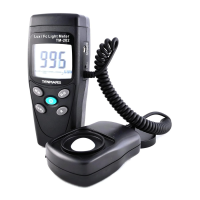
Press the “ZERO” button for the zero
adjustment if any digits appear on the LCD
screen, when the light sensor cap is not
attached “CAP” will be shown on the screen.
Make sure that it is attached to the light
sensor.


 To Next Page