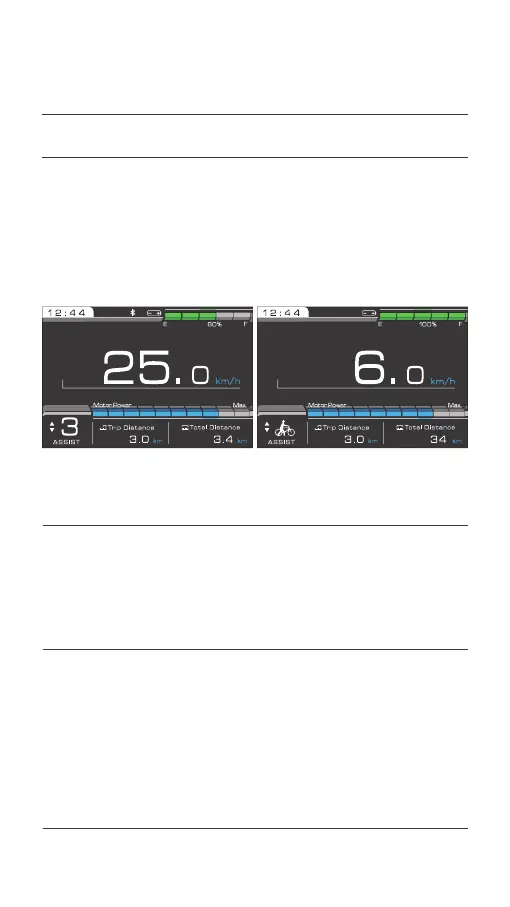
Press the [ + ] or [ - ] button to increase or decrease assistance level.
Press and hold the [ - ] button for 1 second to enter the “6km/h” assistance
mode. After the [ - ] button is released, the assistance mode is exited.
3.3 Change assistance level
Press and hold the [ Light ] button for 1 second to turn the headlights and
rearlights on or off.
3.4 Turn the headlight on or off
When the power is switched on, the white lights on the front cargo box
illuminate once and then go out by default when the automatic greeting
has finished; the white lights on the front cargo box then switch on and off
in synchrony with the front light and rear lights.
3.5
Turn the white light on the front cargo box on or off
036 Display operations
03.
OPERATION METHODS



 To Next Page