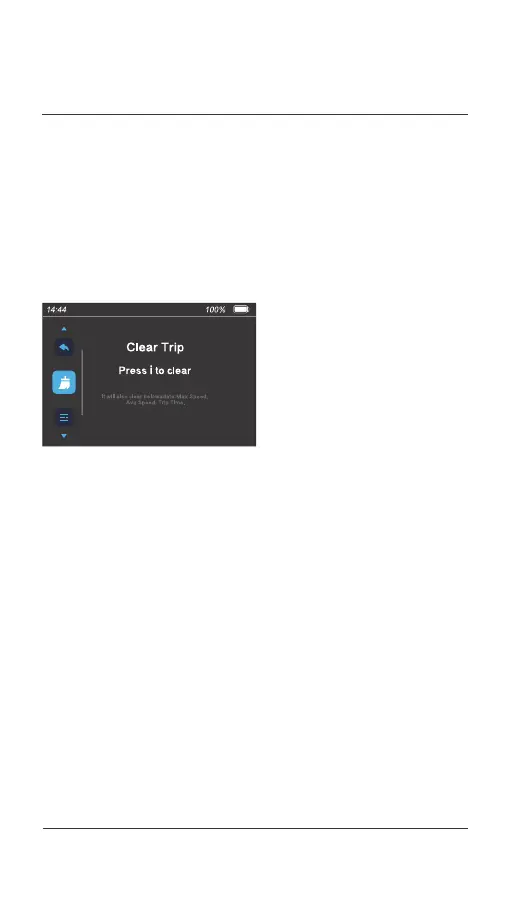
Press and hold the [ i ] button for 2 seconds to enter the user menu,
only when the e-bike is stationary and no errors are displayed.
On the user menu, you can view or manage the trip information, unit,
backlight brightness, auto power-off time, speed limit, user password,
system information, and date and time. The system returns to the
riding interface automatically if no operation is performed on the user
menu for more than 60 seconds.
04.
USER MENU
039 Display operations



 To Next Page