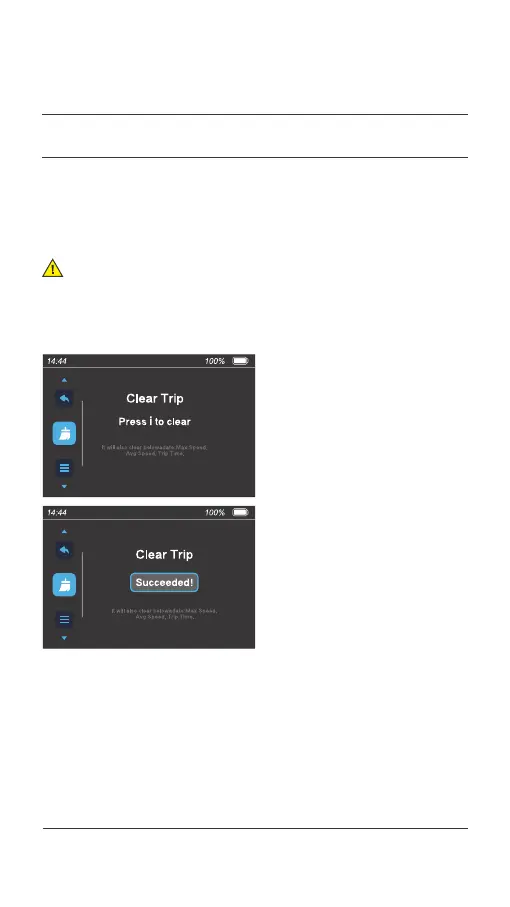
On the menu preview interface, press the [ i ] button to select the "Clear
Trip" item. Then press the [ + ] or [ - ] button to switch between "Yes" or
"No" (default) and press the [ i ] button to confirm and save the setting.
The next menu item is displayed. If you return to the riding interface,
both "Trip" and "Trip Time" are reset.
4.1 Clear the trip mileage
Note:
The maximum speed, average speed, and total trip time will also
be reset when the trip mileage is reset.
04.
USER MENU
040 Display operations



 To Next Page