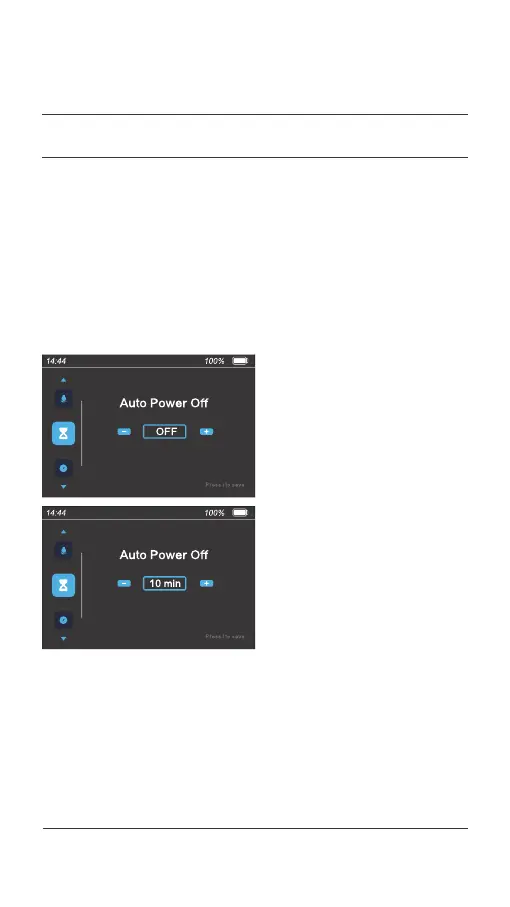
On the menu preview interface, press the [ i ] button to select the "Auto
Power Off " item. Then press the [ + ] or [ - ] button to set the auto
power-off time. The auto power-off time ranges from 1 to 99 minutes.
"OFF" indicates that the auto power-off function is disabled. Press the [ i ]
button to confirm and save the setting. The next menu item is displayed.
4.4 Set the auto power-off time
043 Display operations
04.
USER MENU



 To Next Page