INTERCOM
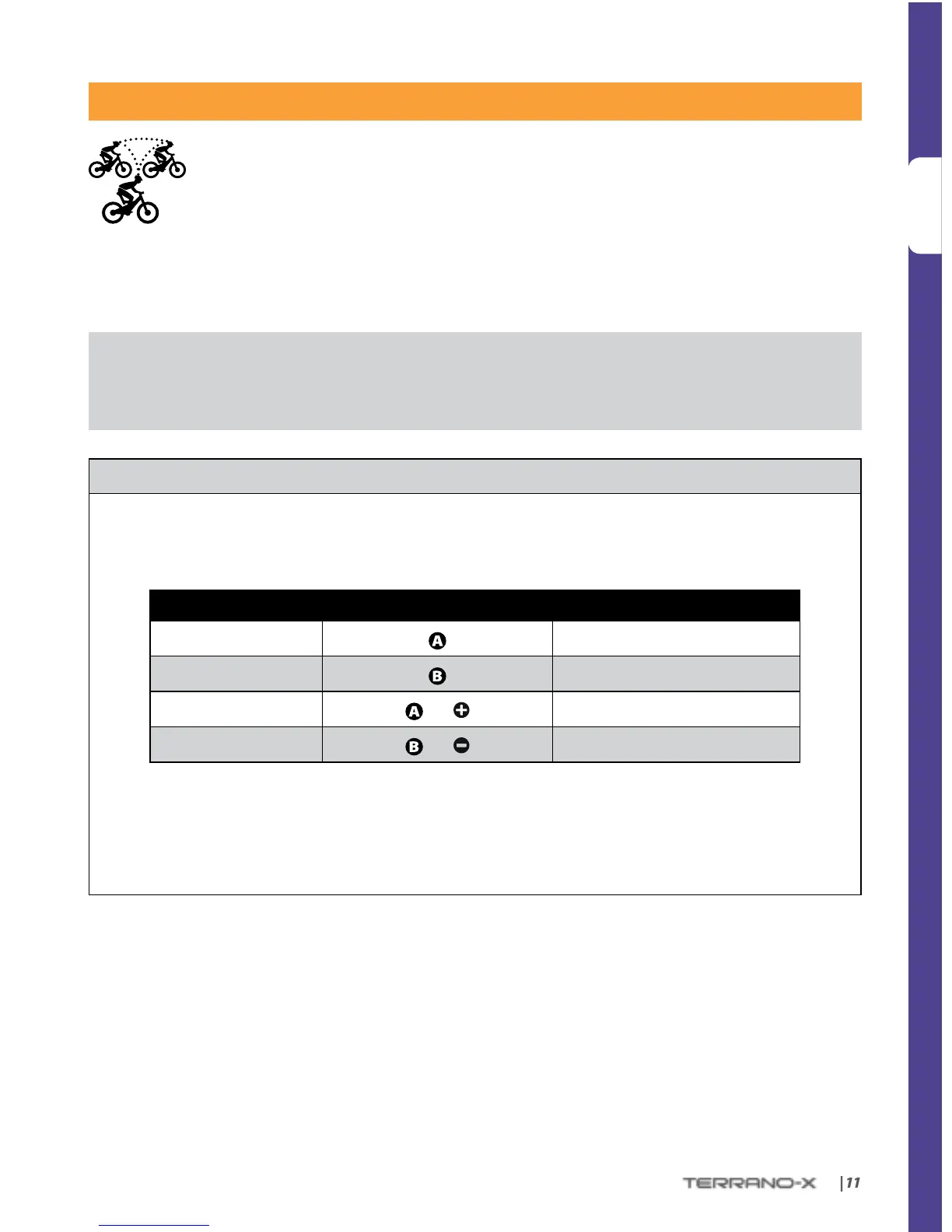
The TERRANO-X gives you smooth and continuous intercom communication with other
riders at a range of up to 1,640 ft. / 500 m (subject to terrain). Intercom communication
(one on one) is possible between up to ve riders, i.e you and four other TERRANO-X users,
through the available channels (“A”, “B”, “C” or “D”).
To chat with another TERRANO-X user via Intercom, rst pair the TERRANO-X devices to each other.
Pairing is a one-time process. Once paired, the TERRANO-X units will automatically recognize each other
whenever they are at close range.
If you have purchased the double pack, both units are factory-paired to communicate via their respective Channel
“A” Buttons. If for any reason you have to pair them again, OR if you purchased a single TERRANO-X and wish to pair
with a second unit to make Intercom calls, see below.
INTERCOM PAIRING
1. Make sure both units are near each other and in Standby or just after power on (BLUE ash every 3 seconds).
2. Choose the Intercom Channel you wish to pair (see table below) and enter Intercom Pairing mode by pressing
the relevant buttons for 5 seconds until the LEDs begin ashing rapidly.
INTERCOM CHANNEL PRESS BUTTON(S) FLASHING LED COLOR
“A”
RED
“B”
BLUE
“C”
and PURPLE
“D”
and PURPLE
3. Enter Intercom Pairing mode on the second unit, and after a few seconds, both units will show a solid
LED for 2 seconds, indicating that they are paired.
4. If Pairing is not completed within 2 minutes, the units will return to Standby and you can try pairing
again.


 To Next Page