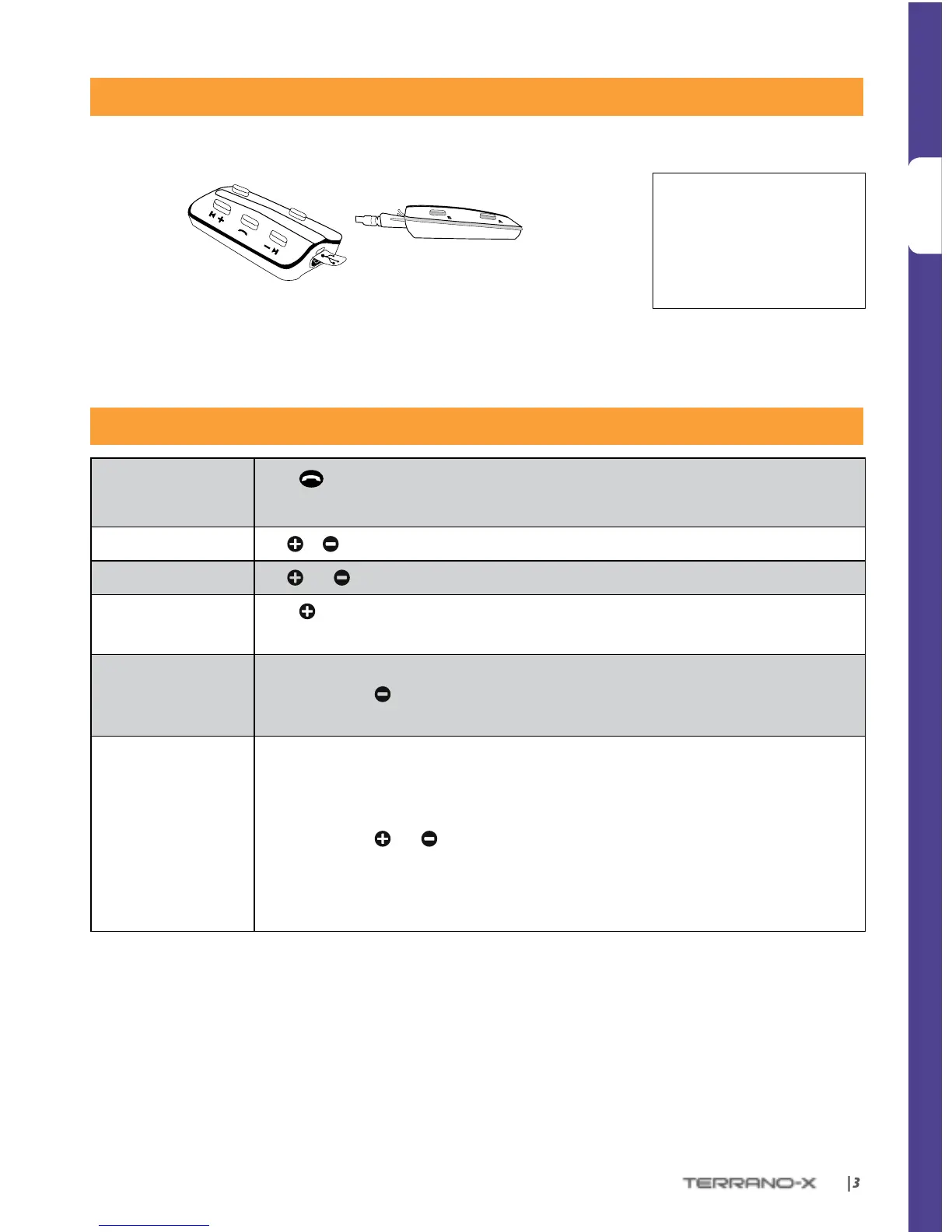
While charging, the RED LED turns on. When charging is complete, the
LED will turn o.
GENERAL FUNCTIONS
Power ON/ OFF
Press
for 2 seconds
• ON: 3 BLUE ashes, Ascending tone • OFF: 3 RED ashes, Descending tone
Volume
Tap
or to adjust and set volume of current audio source
Mute
Tap
and simultaneously
Battery Check
Press
for 2 seconds and check the LED color:
• Blue = Full charge • PURPLE = Half charge • RED = Almost empty
Automatic Volume
Adjustment
(Default: Enabled)
Automatic volume adjustemnt according to ambient noise and riding speed.
In Standby, press
for 5 seconds
• Enabled: BLUE ash for 2 seconds • Disabled: RED ash for 2 seconds
Voice Activation
(Default: Regular)
Voice activation can be customized to make it more or less sensitive. Voice activation for
Intercom calls can also be turned OFF.
You can choose between ‘Regular’ and ‘High’ sensitivity. If you experience diculties starting
a conversation, change the setting to ‘High’:
In Standby, press
and simultaneously for 2 seconds.
• Regular: BLUE ash for 2 seconds
• High: PURPLE ash for 2 seconds
• O: RED ash for 2 seconds
The TERRANO-X is waterproof
and dustproof. However,
when in use, the silicon cover
should be kept tightly closed
to prevent moisture from
entering the unit.


 To Next Page