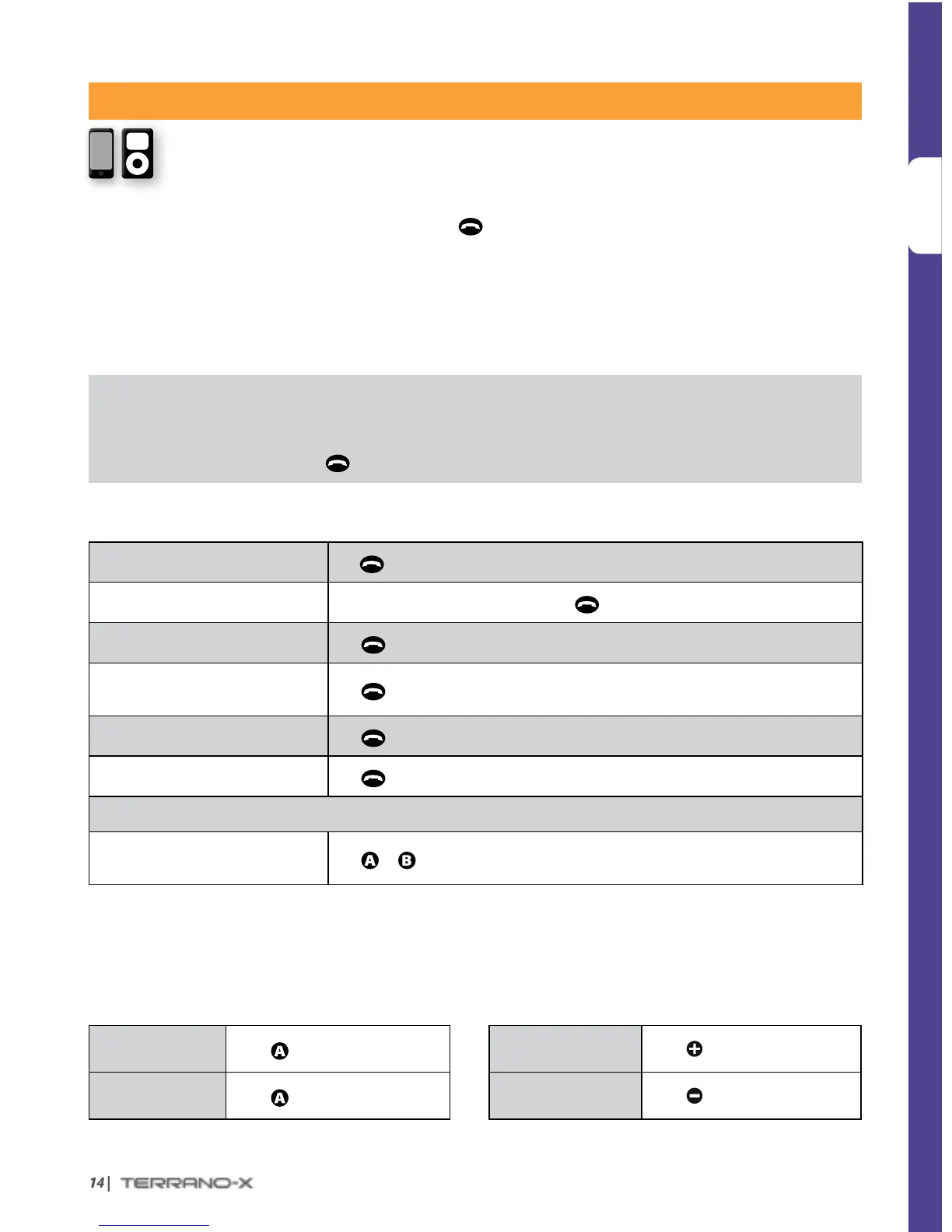
BLUETOOTH DEVICES: MOBILE PHONES AND MUSIC PLAYERS
PAIRING A BLUETOOTH ENABLED DEVICE
1. Make sure your phone or music player is ON and its Bluetooth mode is activated.
2. With your Terrano-X in Standby mode, press
for at least 6 seconds. The TERRANO-X will rst
ash RED. Continue to hold the button until the RED and
BLUE lights begin rapidly alternating.
3. Search for Bluetooth devices on your phone or MP3 player. After a few seconds the “TERRANO-X” will
appear as a discovered device. Select it. If prompted for a PIN or Passkey, enter 0000 (four zeros).
4. Your phone or music player will conrm that pairing has succeeded and the LED on the TERRANO-X will
begin ashing slowly in
BLUE.
• If Pairing is not completed within 2 minutes, the TERRANO-X will return to Standby mode.
• Not all Bluetooth mobile phones can broadcast Bluetooth stereo music (A2DP), even if the phone has an MP3 player
function. Consult your mobile phone’s User Manual for more information.
• After pairing, you may need to tap
to connect the TERRANO-X to the phone.
USING YOUR MOBILE PHONE
Answer a call
Tap
or speak any word loudly into the microphone
Reject a call
Remain silent for 15 seconds, or press
for 2 seconds
End a call
Tap
Voice Dial*
(if supported by phone)
Tap
and follow the prompt from the Mobile
Redial*
Tap
twice
Reconnect
Tap
INTERCOM CONFERENCE MODE
Add or Remove Rider “A” or “B”
to/from a phone call
Tap
or
while on a phone call
*This feature is not available during intercom or mobile calls
LISTENING TO MUSIC
Control available from most smartphones and music players - Bluetooth stereo (A2DP) and remote control
feature (AVRCP)
Play
Press
for 2 seconds
Next track
Press
for 2 seconds
Pause/Stop
Press
for 2 seconds
Previous track*
Press
for 2 seconds
*With some phones you may need to repeat this action


 To Next Page