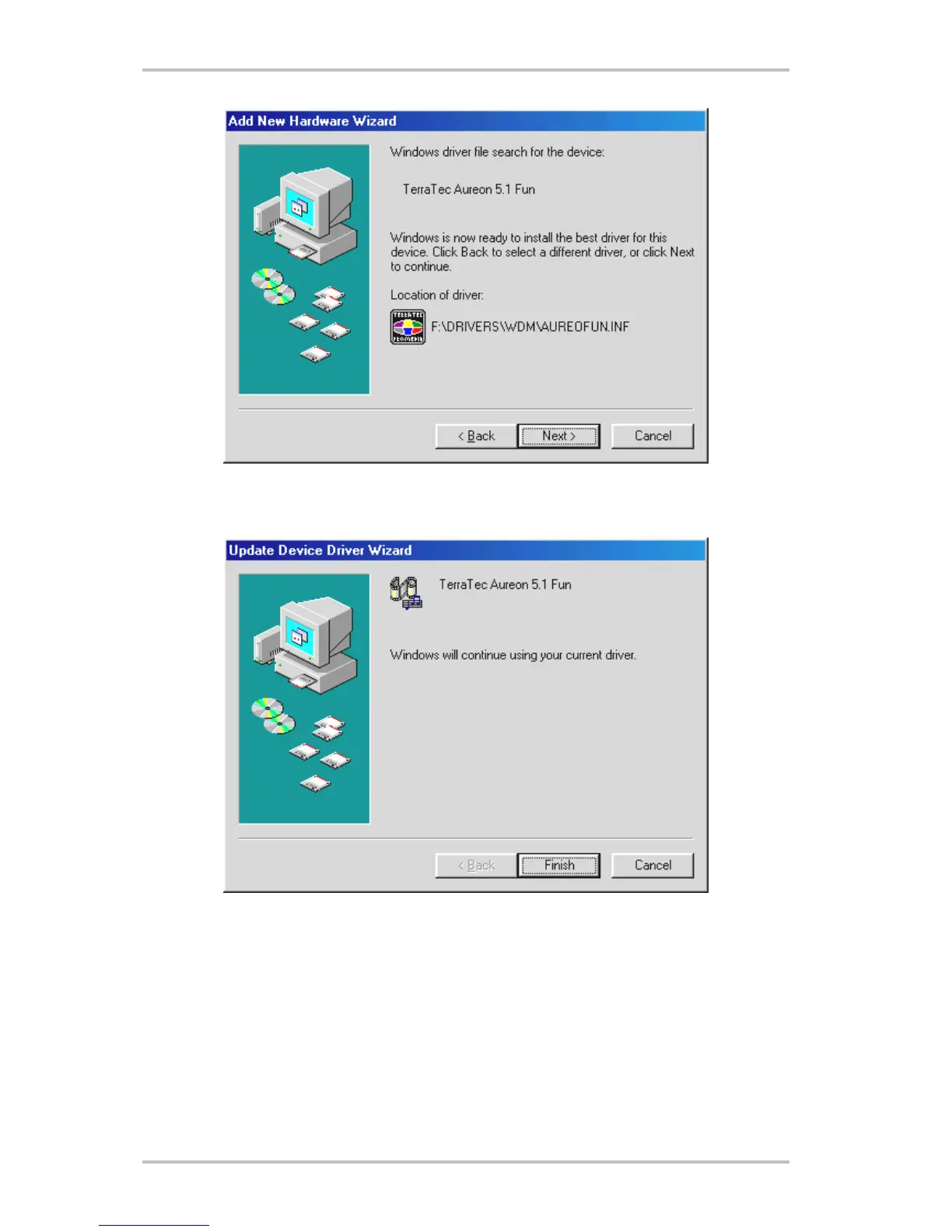
This screen should be acknowledged by clicking on “Next”.
At the conclusion, click “Finish”.
Once the drivers have been installed successfully, install the ControlPanel via the autostarter,
then the bundled software.
To do so, execute <CD>:\autorun.exe
Follow the instructions of the individual installation programs, and there's not really a lot that
can go wrong. A particular software can also easily be removed from your system. For this
SoundSystem Aureon 5.1 fun (English) 15



 To Next Page