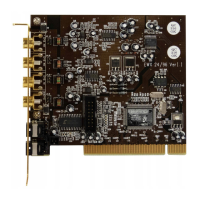
The Aureon 5.1 Fun Control Panel
The Control Panel must be installed to have full access to all the functions of the Aureon 5.1
Fun. Double-click AUTORUN.EXE in the root folder of the Aureon
5.1 Fun CD and select the
“ControlPanel” menu item.
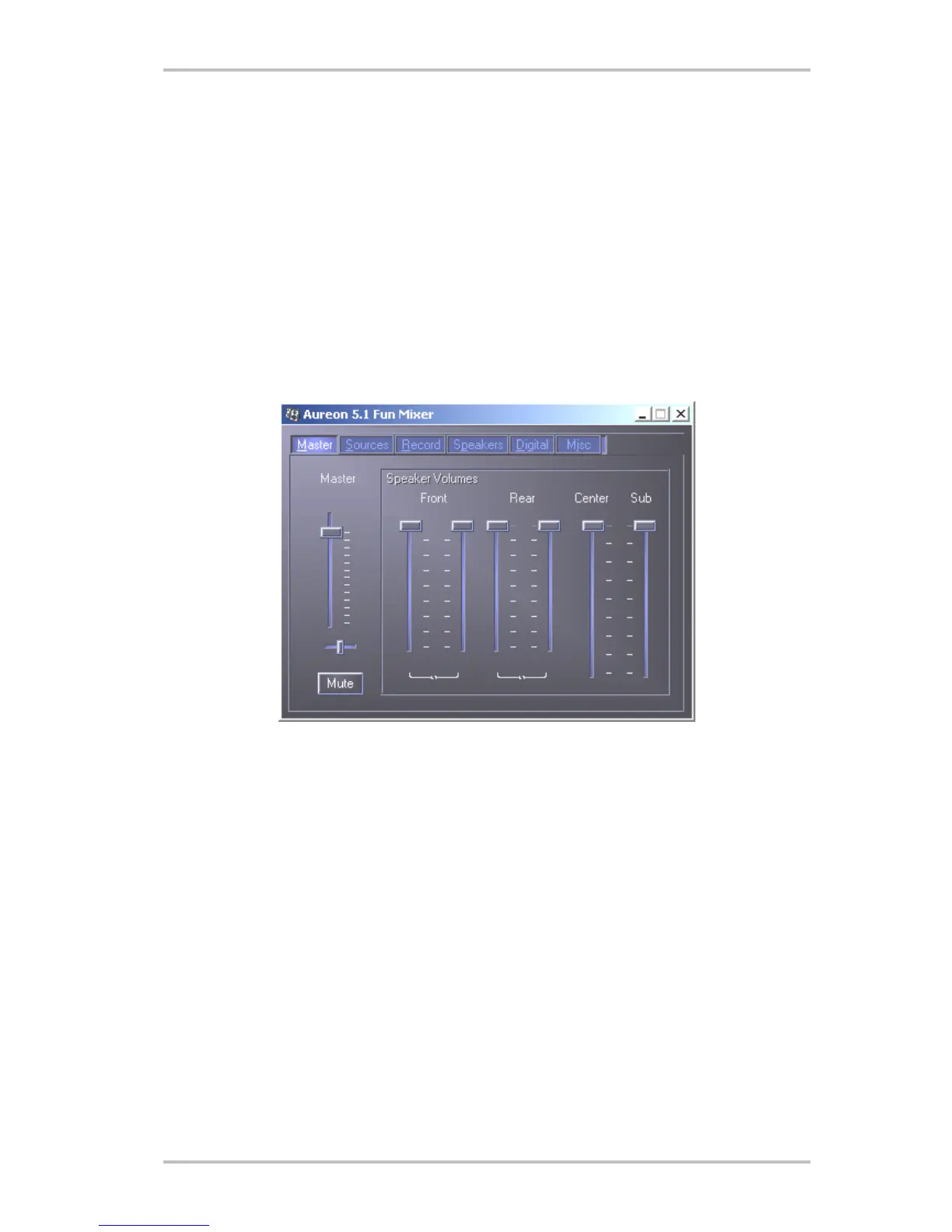
Master
Here you can set the levels of the individual speakers. The sliders marked “Front” are likely to
become worn by frequent use - you use them to control the volume of the two front speakers.
The master slider controls the total of all outputs and can also be silenced by pressing the
MUTE button.
24 SoundSystem Aureon 5.1 fun (English)



 To Next Page