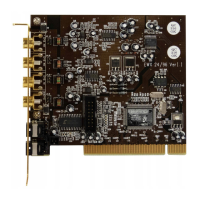
Installation under Windows XP.
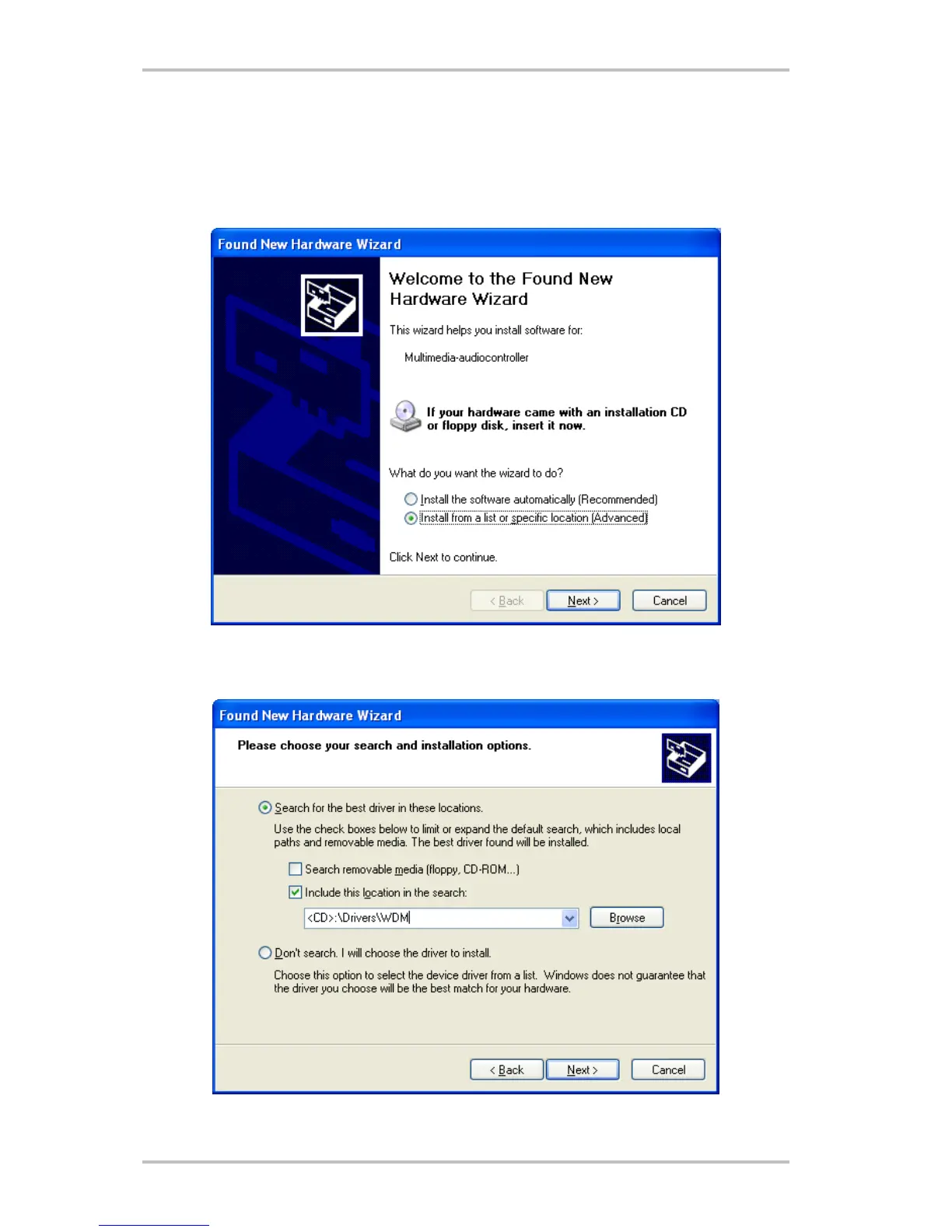
Once the computer has been restarted, you have logged on as the administrator and the new
hardware has been detected by the Windows XP hardware wizard, the following window will
appear.
Select “Install from a list or specific location (advanced)” and click “Next”.
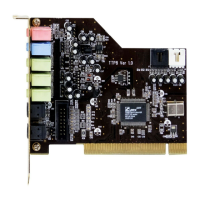
Select “Include this location in the search” and enter “<CD>:\Drivers\WDM”. Now click “Next”.
SoundSystem Aureon 5.1 fun (English) 21



 To Next Page