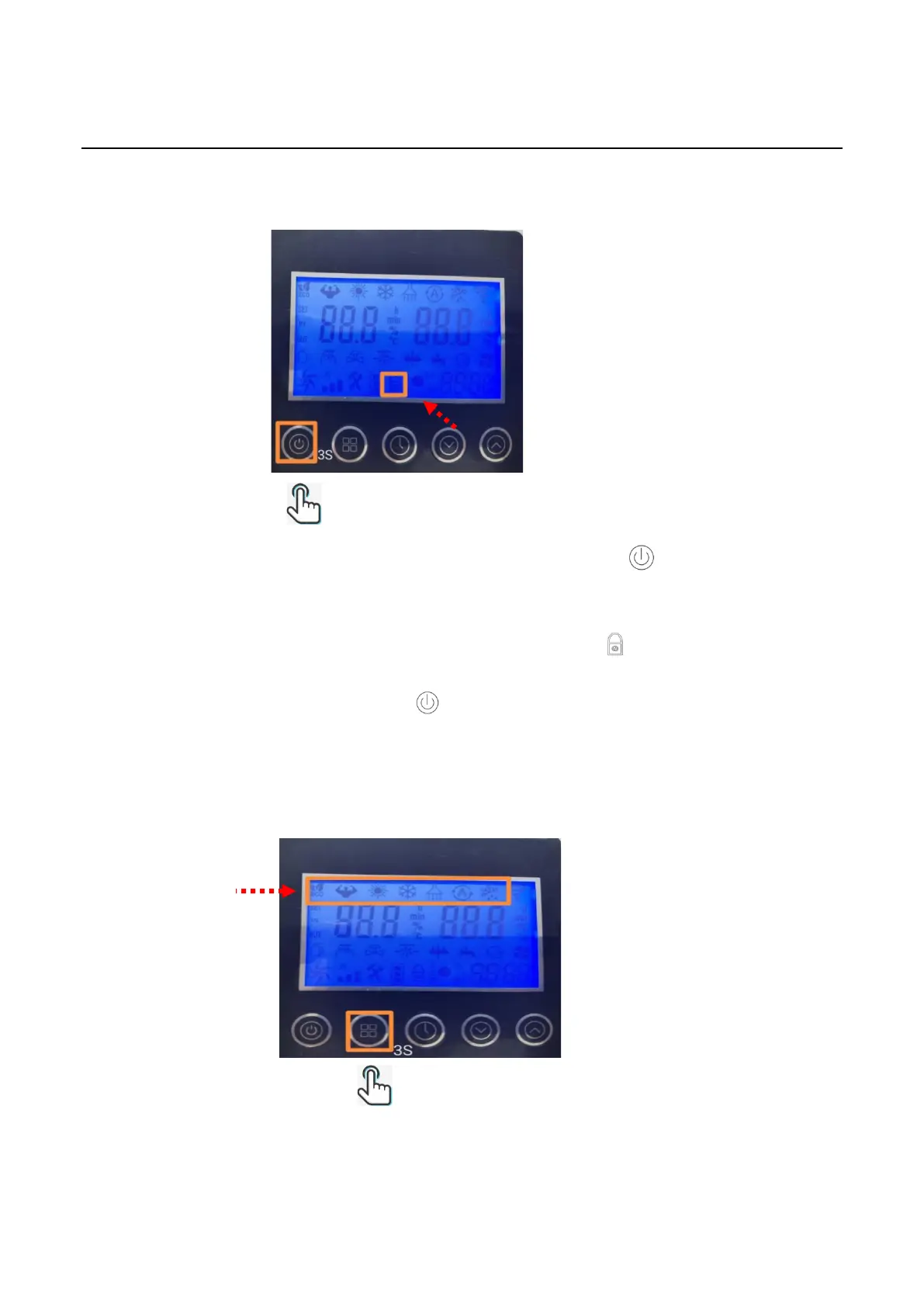
1.3 Lock/Unlock Operation steps
1.3.1 Step1 (Lock): The controller will be locked when holding for 3 seconds or the
controller is standby for 60 seconds. (Purpose: to prevent children playing). Any operation is
without response when it is locked. (The LCD locked If the icon is lighted).
1.3.2 Step 2(Unlock): Press and hold for 3s to change the status from lock to unlock.
After this Unlock operation, the controller can response any other demands.
2. Mode Selection
Mode Selection



 To Next Page