WIFI Function
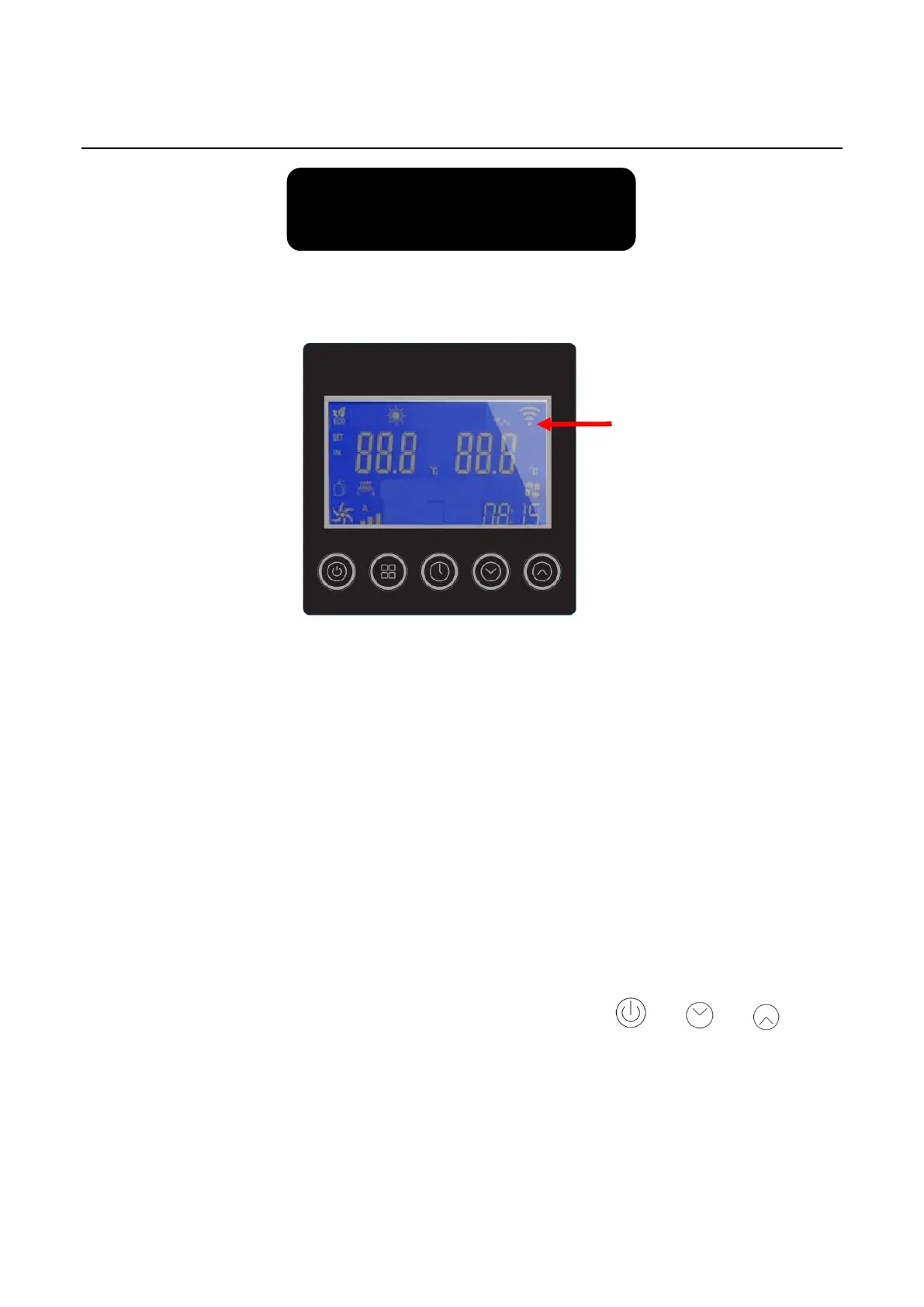
WiFi Icon
Step1: WIFI connection: The WIFI icon will flash to enter the WIFI connection status after
power on.
It means the WIFI is successfully connected if the WIFI icon can be lighted over 5S.
You can check the connection status in your mobile APP.
The WIFI icon is not lighted once WIFI connection is failed. Please reconnect
following below 2 ways.→
⚫ Method 1: Restart the controller.
⚫ Method 2: Press and simultaneously hold three keys + + for 5
seconds to reset the WIFI module, and then the WIFI icon will be flashed again).
Download and install the software:



 To Next Page