1.ON/OFF and Lock Function
1.1 Icon definition
lock--The LCD is locked If the icon is lighted
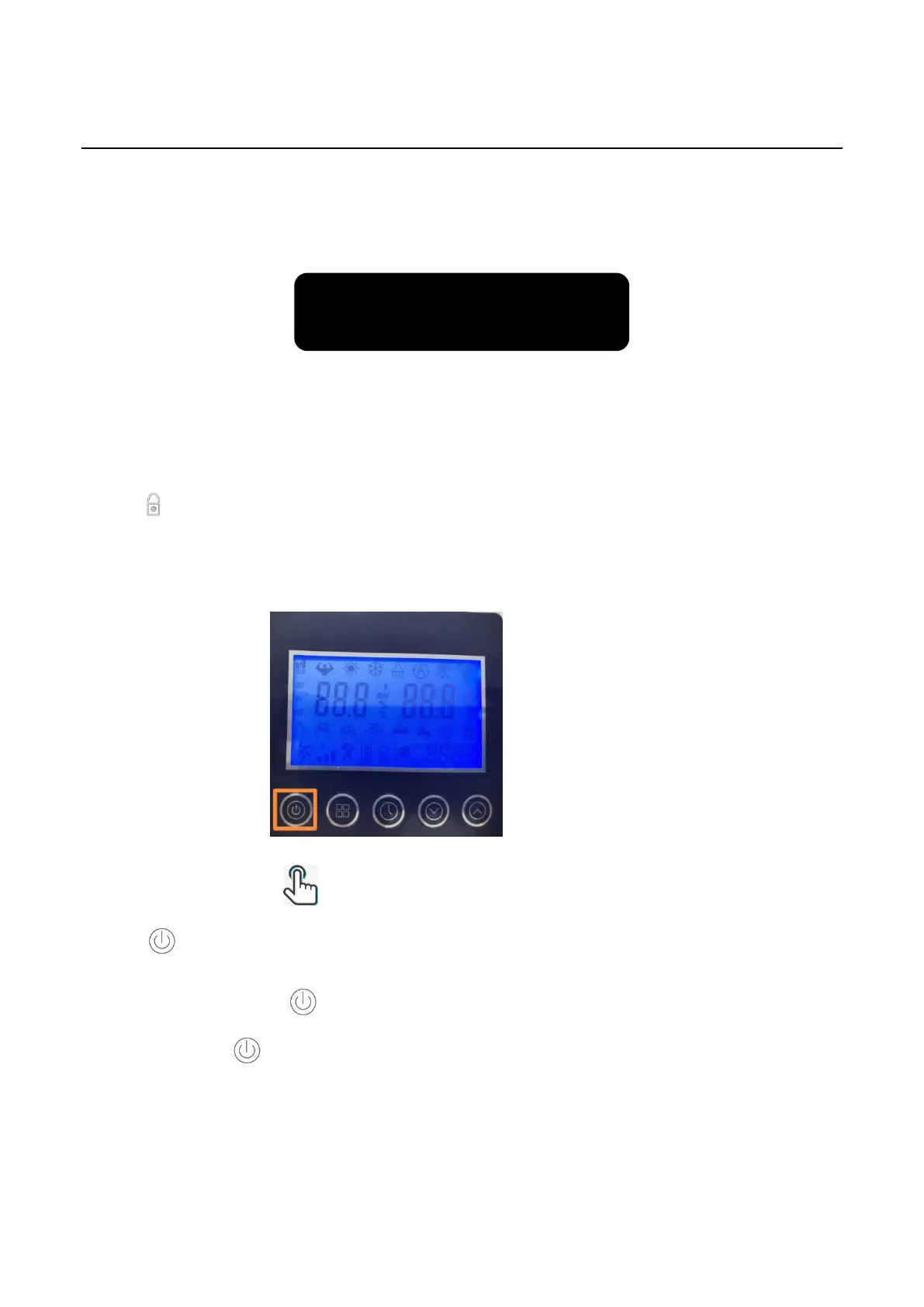
1.2 ON/OFF Operation steps
Step1: Light Press this button one time to start/close the heat pump;
Step2: Press the button to close the heat pump if in main menu, in other menus, press
the button back to the main menu.



 To Next Page