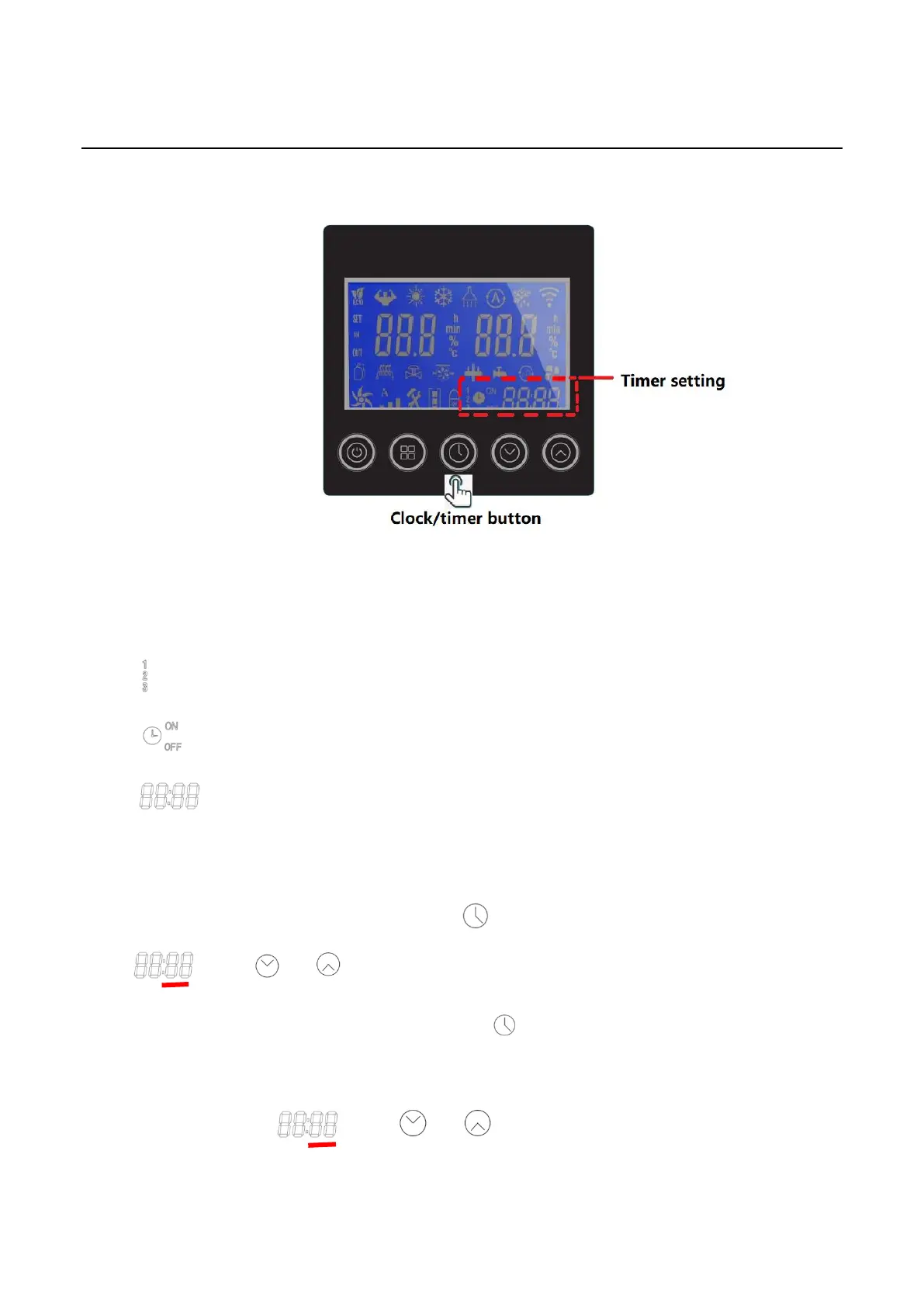
4. Timer Setting
4.1 Icon Definitions
◆ : Multiple phase timer setting
◆ Timer ON/OFF
◆ : Time
4.2 Time setting operation steps
Step1: Enter "hour" byte setting function after press in main menu, “hour” byte flashed at this time
, press or to set the “hour”.
Step2: The setting will be saved in controller after press when “hour” setting is finished.
Step3: Enter "minute” byte setting function in main menu after “hour” setting is finished. “minute” byte
flashed at this time , press or to set the “minute” .



 To Next Page