21
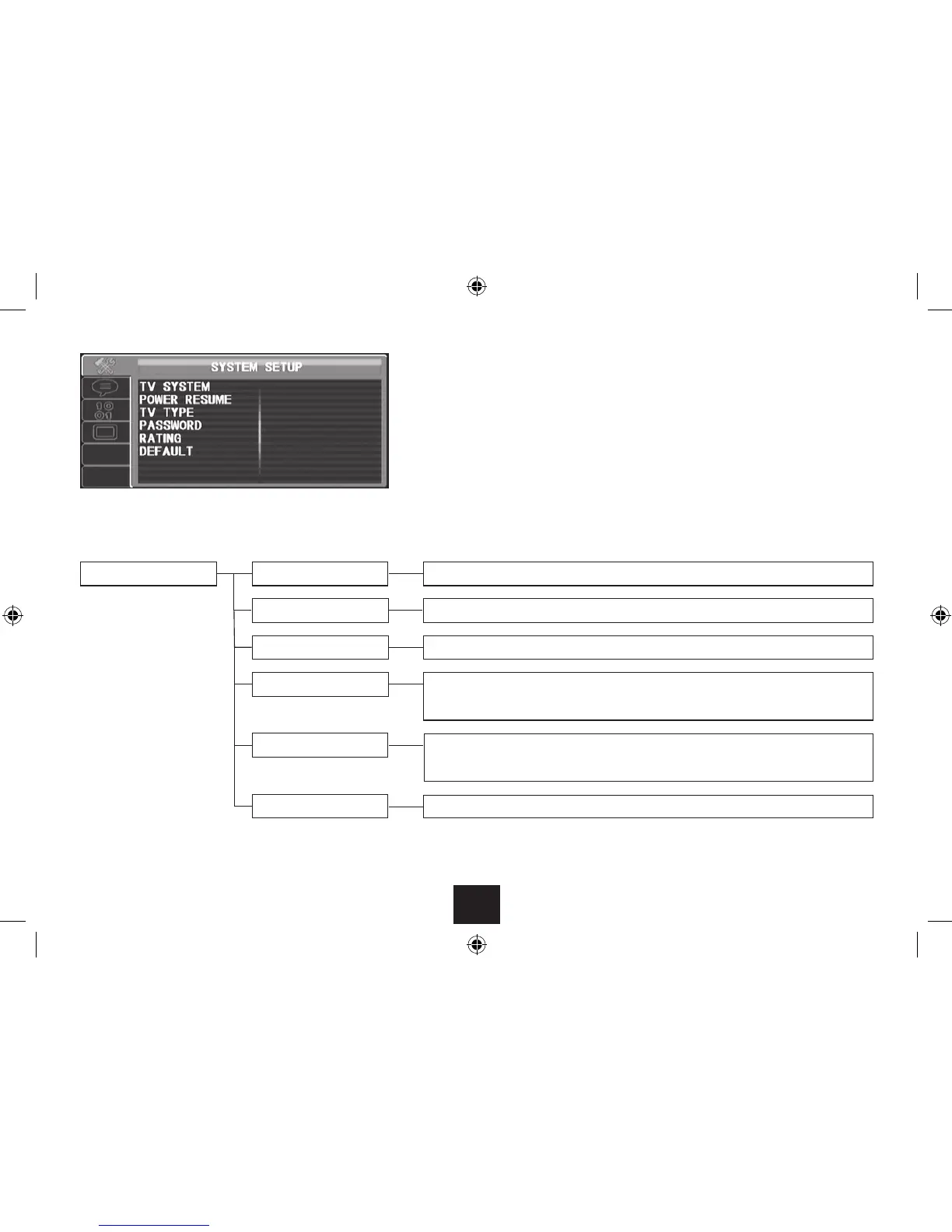
SYSTEM SETUP PAGE
TV system Choose this setting to change the TV signal format (PAL is the correct setting for Europe).•
Power resume Power resume can be switched on or o.•
Password
This step is necessary if you want to change the parental rating. Enter the password 9653 when •
prompted to enable access to the parental rating menu.
TV type Choose from 4:3PS (4:3 Pan Scan), 4:3LB (4:3 Letter Box), (16:9), Wide Screen.•
Rating
Open the password menu and enter the password. You can now use this menu option to change •
the parental rating.
SYSTEM SETUP PAGE
Choose the System setup page to:
Change the TV system.•
Change the power resume setting (when the power has been switched o, a disc will recommence •
play from the last place you viewed).
Change the TV type (screen shape).•
Enter the security password to unlock the rating menu option.•
Set the rating (parental restriction).•
Restore factory default settings•
Default
Choose this option to return all settings to the factory default.•



 To Next Page