16
PLAYING MEDIA FILES
Your DVD player can also play the following media les -
Music - .WAV les.
JPEG (photos) - .JPG, .BMP les.
Videos - .MP2, .MP4, .AVI.
E-Books - .TXT les.
You can save a mix of any of the above media les to a CD-ROM or DVD-ROM. The les can
be organised in folders or placed in the ‘root’ folder of the disc.
Loading a media disc:
The folders and les on the disc
will now be displayed.
NOTE: Only les of your chosen
media type (and folders
containing these) will be
displayed.
Load your media disc in the •
same way as a CD or DVD.
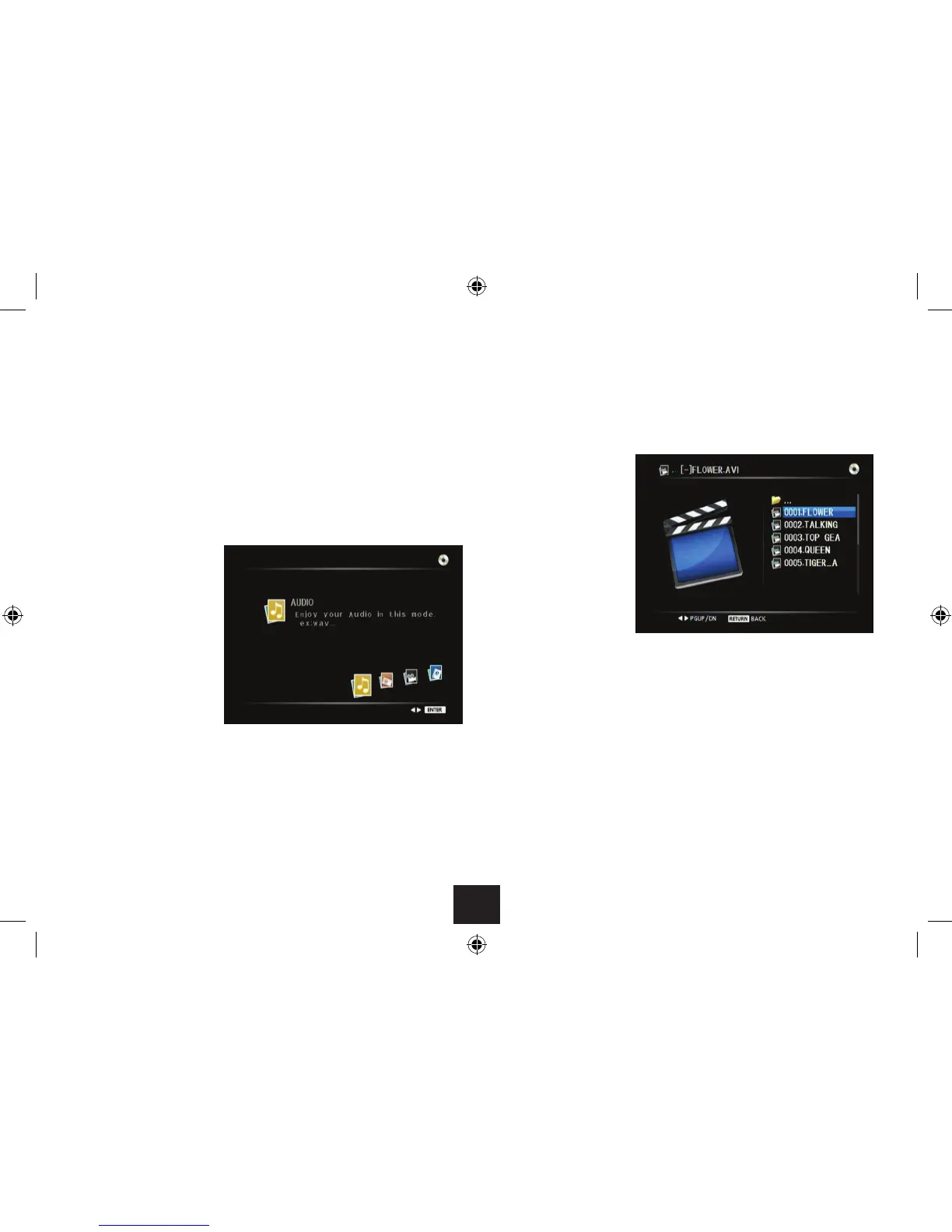
The Audio menu screen will be
displayed.
Selecting the type of media you want to play:
Press • or (or the VOL+/VOL- buttons on the top panel) repeatedly to change
the media type between Audio, JPEG (photos), Videos or E-books.
Press the ENTER button (or • /, on the side panel) to select the displayed media
type.
Returning to the media menu:
To return to the media menu at any time when playing a le -
Press RETURN repeatedly to step up the menu screens to the Media menu.•



 To Next Page