17
Playing music or movie les:
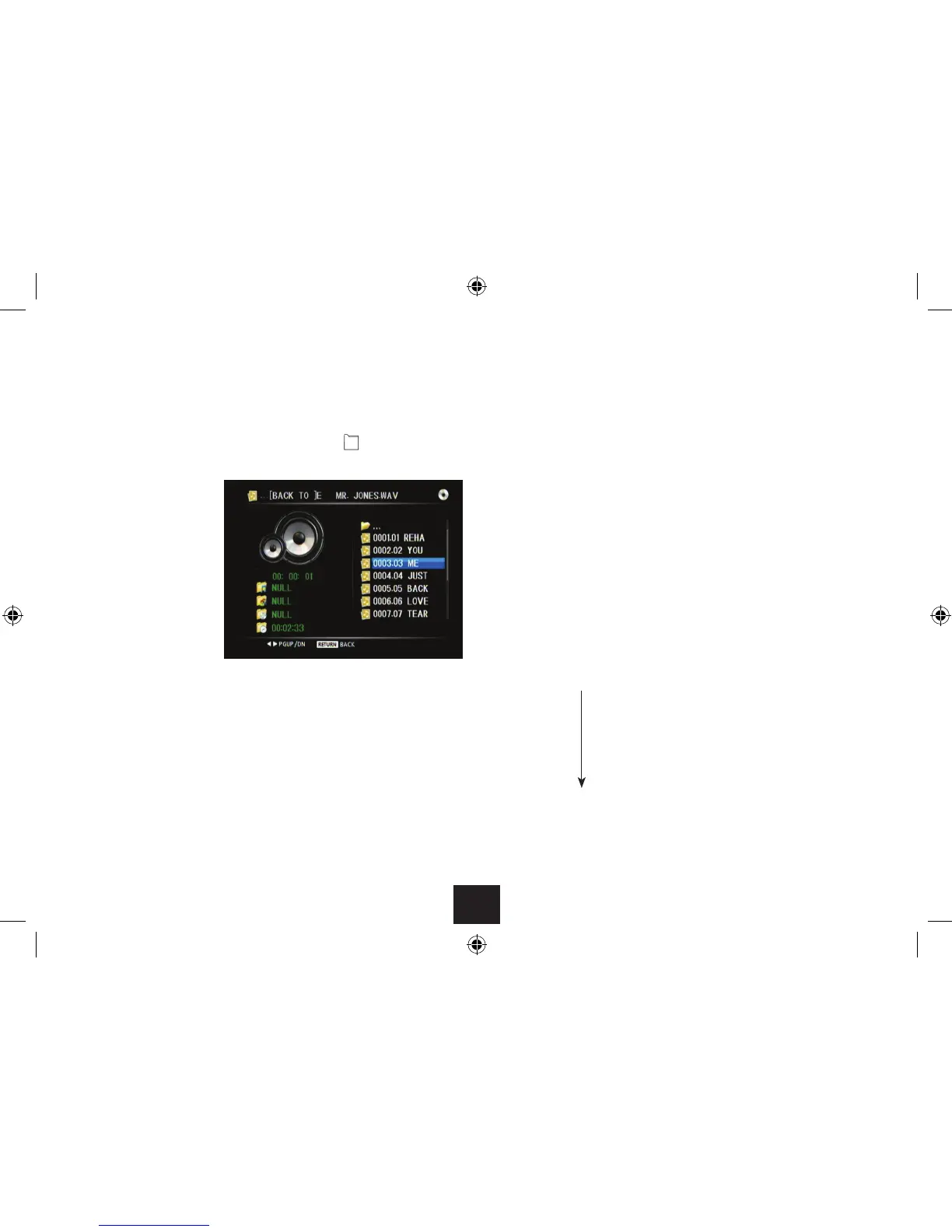
If you have selected music or movie les -
Use • //ENTER to navigate through the folders on the disc until you reach the
music or movie le you want to play.
To move up the folder ‘tree’, select the top folder marked ‘•
..’
Press OK to select and play a le.•
Fast Search:
To fast search forward or backward, press • ] or [ repeatedly to set the search speed
you want in the range 2x 4x 8x 20x.
Press once more to return to normal play.•
Stop:
Press the • . button to stop playback.
File information:
Press DISPLAY during playback to display more information about the le playing.•
Zoom and pan (movie les):
Press ZOOM repeatedly to zoom into the picture, then zoom out.•
The zoom settings are - • 2X g 3X g 4X g1/2X g1/3X g 1/4X gNormal
When zoom is set you can press the • buttons to pan the zoomed area
around the picture.
Repeat:
Press the REPEAT button repeatedly to step through the repeat mode options for the •
les.
The le will play. The screen
will display information about
the le playing (audio screen
shown in the example). If the
le is in a folder with other les
(for example, an album of music
tracks or a folder of movies) play
will continue through the other
les in the folder.
Play/Pause:
To switch between play and pause modes, press the • /, button repeatedly. When
you pause a movie a still-frame will be displayed.
Skip:
To select the next or previous item, press • } or {.
Repeat 1 (repeat the current le)
Repeat dir (repeat the folder)
Repeat all (repeat all les on the disc)
Repeat o



 To Next Page