20
SETTING UP THE PLAYER
The setup menu enables you to customise language and display preferences, to match
your audio and video components and to set parental restrictions.
To open the setup menu:
Press SETUP.•
The Setup menu will open at the System setup page.
To change to another setup page:
Press • or repeatedly.
Choose from System setup, Language setup, Standby setting or Video setup.
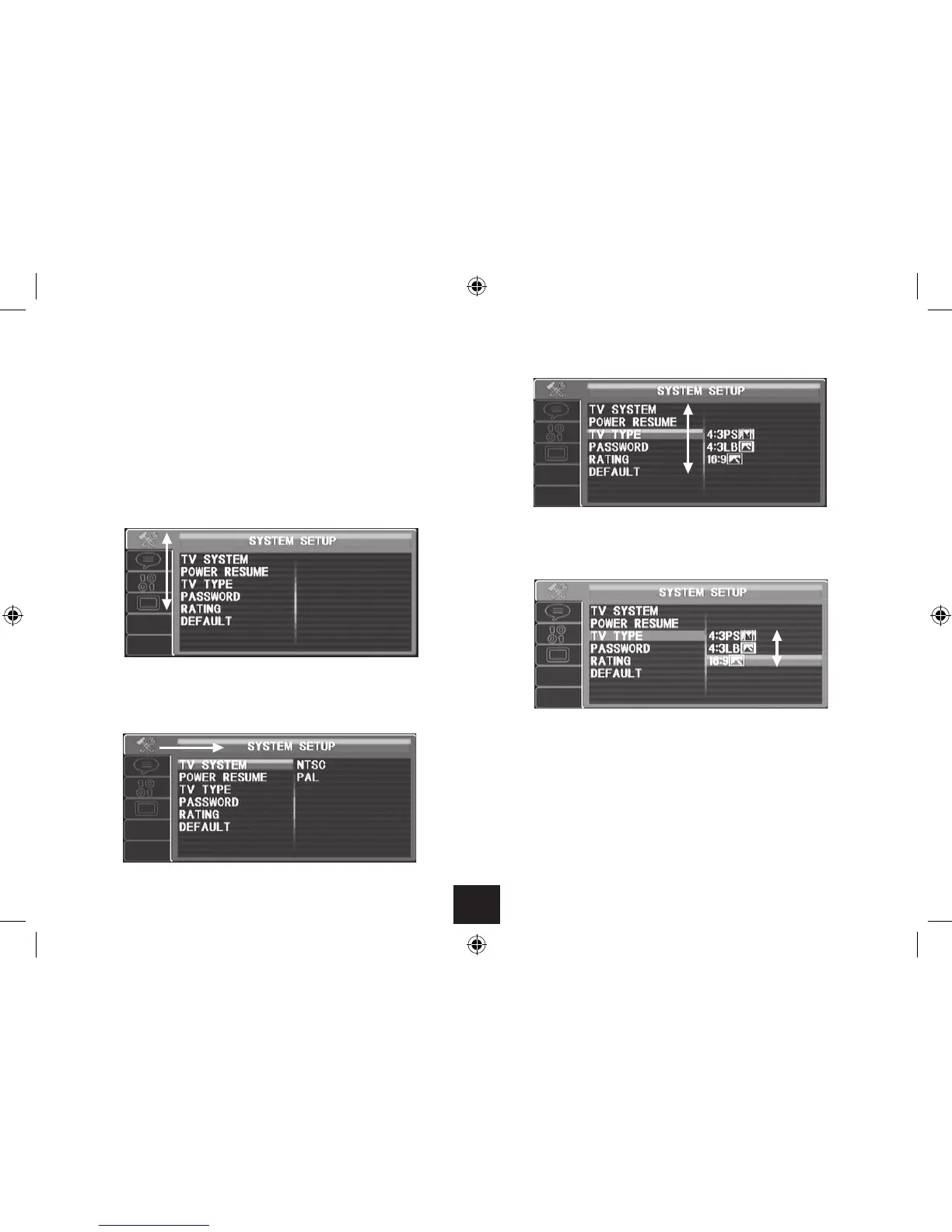
To choose settings page options:
Press • to choose a setting to change.
Press • or to move up or down the settings list.
When the setting you want to change is highlighted, press • .
A list of options for this setting will open.
Press • or to move up or down the list of options.
Press ENTER to select the highlighted option.•
Press • or to choose another setting to change.
From the list of settings:
Press • to move back and select another setup page.
To close the setup menu:
Press the SETUP button.•



 To Next Page