19
Reading E-Books:
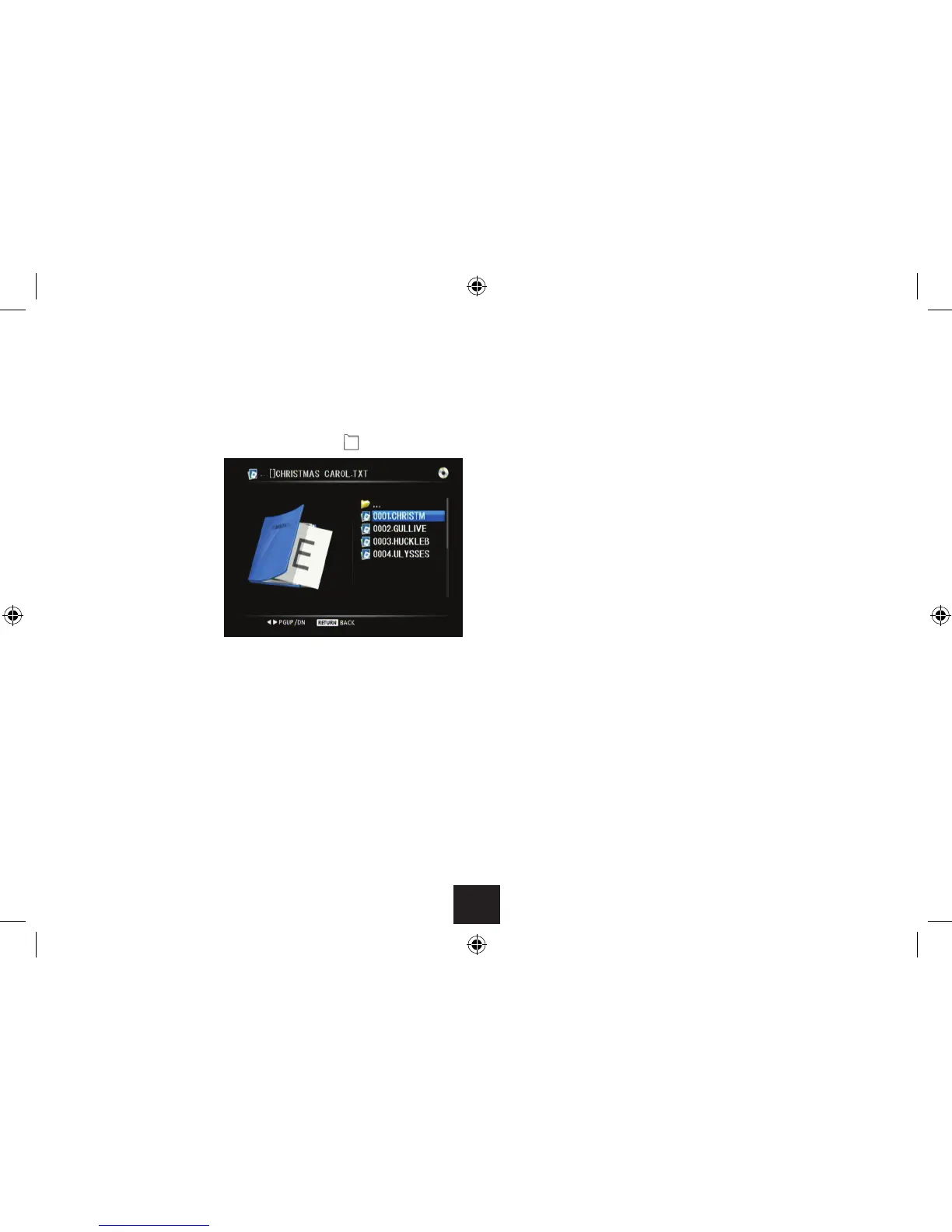
If you have selected e-book text les -
Use • //ENTER to navigate through the folders on the disc until you reach the
E-book le you want to play.
To move up the folder ‘tree’, select the top folder marked ‘•
..’
Press OK to select and read •
a book.
The rst page of the book will be displayed.
Changing pages:
Press • or to change to the next or previous page.
Changing book:
To change to the next or previous book, press • } or {.
Press OK.•
The selected e-book will load and open automatically.



 To Next Page