4
ENG
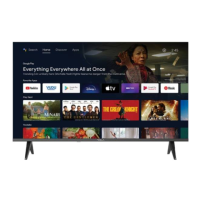
TV BUTTONS AND TERMINAL INTERFACE
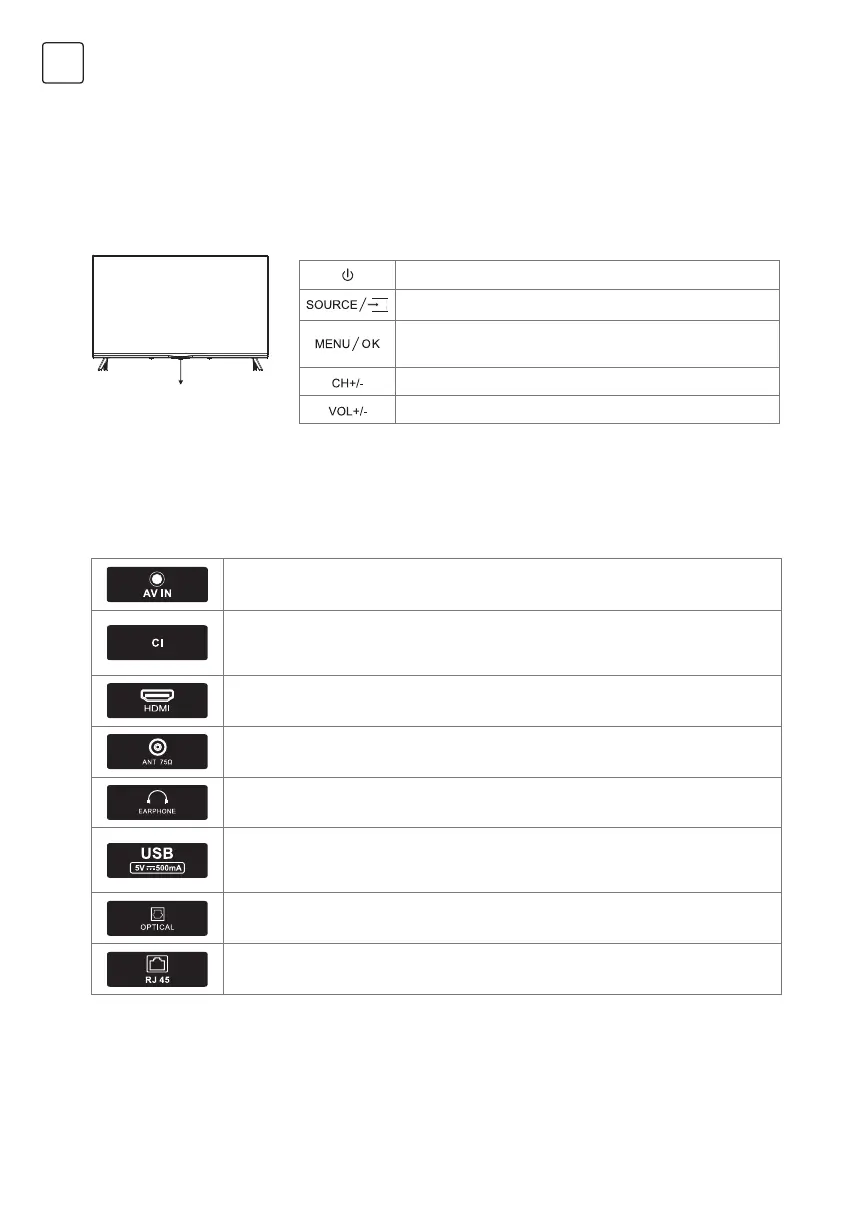
TV Buttons
Terminal Interface
Note: The following is only functional schematic, And the actual position and arrangement of
different models may be different.
Note: The following is only functional schematic, And the actual position and arrangement of
different models may be different.
One key: Seven keys:
Press this button in standby
mode to turn on / off the TV.
Turn ON/OFF Power
External Signal Input Selection
Display Main MENU And Confirm MENU Item
Selection
Selecting Channel
Adjusting Volume
AV input
External AV Signal Input
Cl SLOT
The card reader input Cl(common interface)this requires CAM
(conditionalaccess module) used for pay tv.
HDMI input
Digital signal input from HDMI video connector.
ANT 75
Connect the antennal/cadle tv input (75/VHF/UHF)
EARPHONE output
When earphones are plugged in, speakers are disabled
USB input
Connect a USB device here to play its media files or to recordprograms via the
PVR function.
OPTICAL output
Connect the SPDIF receiver.
RJ45
Connect the Internet.


 To Next Page