5
ENG
TV INSTALL AND CONNECT
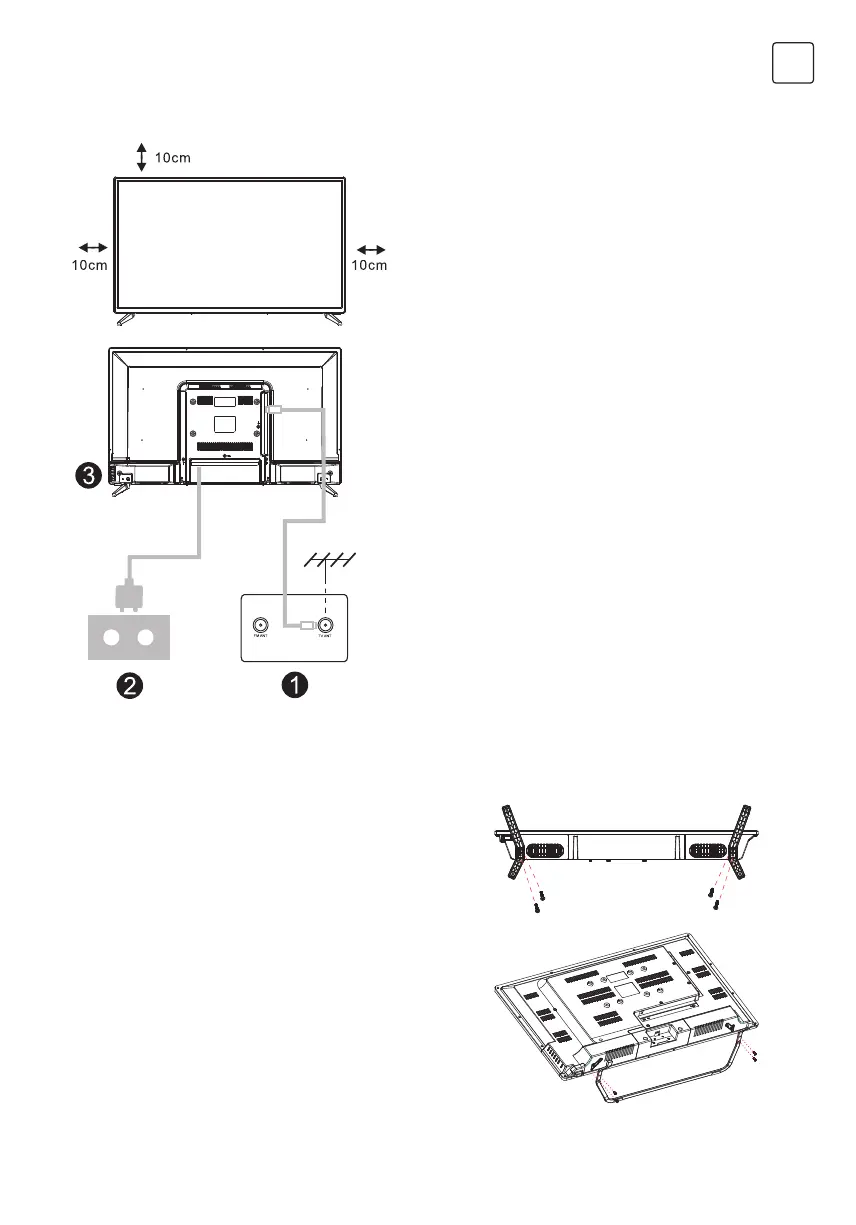
Set your TV
To put your TV on a firm place which can
bearthe weight of the TV.
To avoid danger, please don’t positions the
TV near water or heating place (such as light,
candle, heating machine),do not block the
ventilation at the back of TV.
Connect antenna and power
1. Connect the antenna cable to the antenna
socket on the back of the TV.
2. To plug the power cord of TV (AC 100-
240V- 50/60Hz).
Turn on TV
3. Connect the power supply, enter the
standby mode (red light), press the power
button of the TV or the power button on the
remote control toturn on the TV
Note:
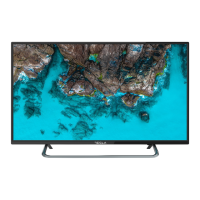
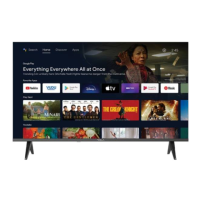
Picture for reference purposes only.
1. Open the carton and remove the TV and
scattered accessories and base (some
models without base).
2. ln order to avoid damaging the TV, please
cover it with soft mattress,put it on the table,
face down on the soft material and screw
the neck of the base to the TV.
3. Screw the base and connected to the TV.
4. The installation is complete.
Note:
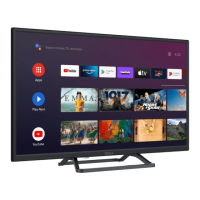
Picture for reference purposes only.
TV STAND INSTALLATION INSTRUCTIONS


 To Next Page