13/14
6 Basic maintenance
Charging the battery:
When operating the product in portable mode, the built-in battery must be checked and recharged if
necessary. If the battery is discharged, the product will switch off automatically. The product is switched on
again by connecting the power supply to the USB port.
The current battery charge status is indicated by the battery icon in the top right corner of the display.
The current battery capacity is indicated by the white portion in the battery icon. Low battery is also
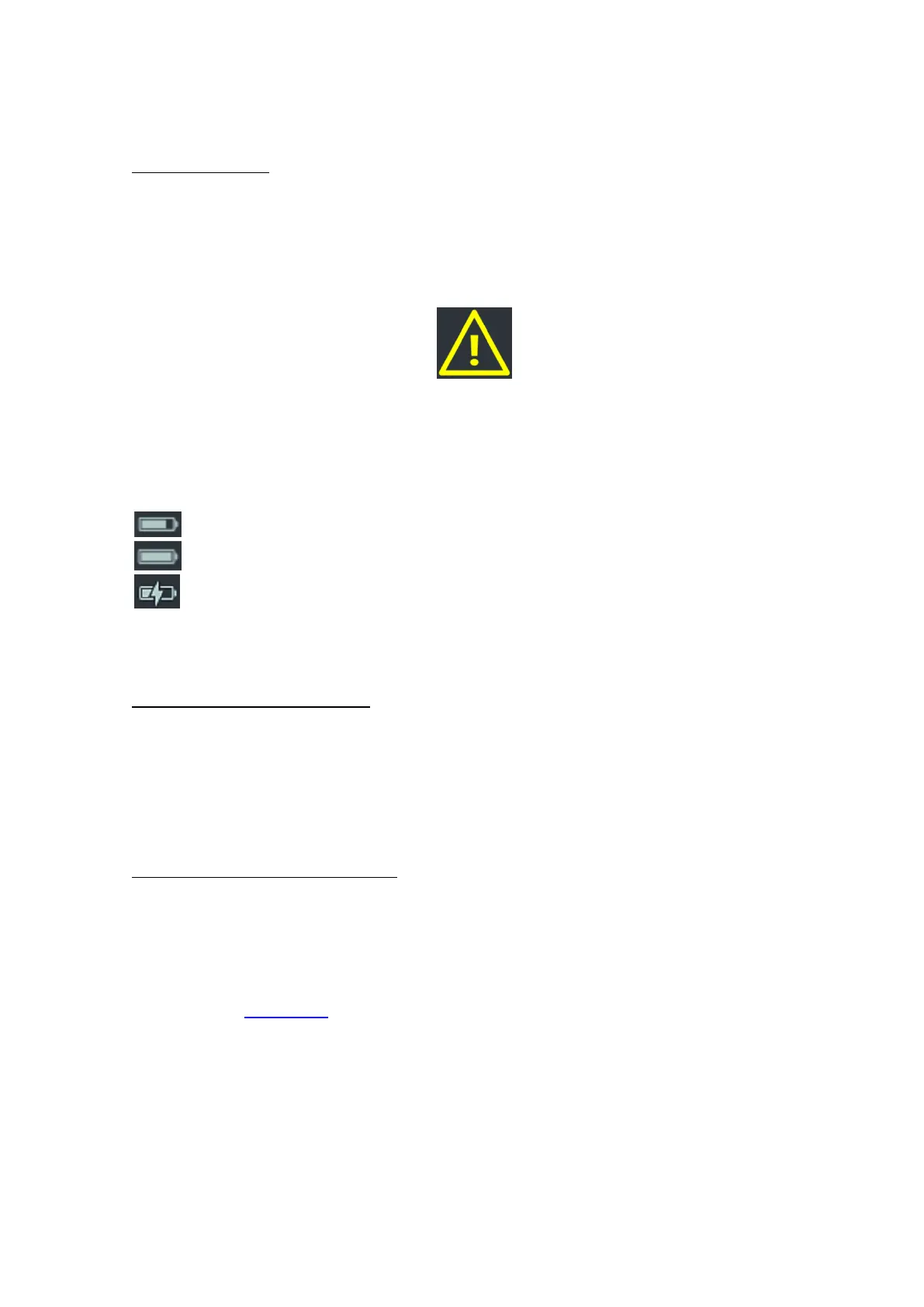
indicated by an acoustic alarm and a yellow triangle symbol with an exclamation mark on the display (see
picture below).
Fig. 9 – Incorrect product parameters – low battery
The battery is charged via the USB port using the supplied USB cable. The USB cable can be connected to
a PC or to the supplied power adapter. Plug the USB cable with power supply into the USB port of the
product. The icon will indicate the battery charging status – the battery icon with flash. The battery is fully
charged when the battery icon is completely filled with white colour. The battery is always fully charged
within a maximum of 8 hours after connecting the power adapter.
Current battery capacity
Full battery capacity
Battery is charging
The battery voltage can also be read on the information screen (i). The voltage varies between 3.4 V
(product will be powered off) and about 4.15 V (full charge).
Recalibration of CO2 and VOC sensor
In case of long-term use of the product, the CO2 and VOC sensors may show some deviations and
therefore it is advisable to perform a user calibration of the sensor. User calibration can be started on the
"Factory limit settings and CO2 and VOC user calibration screen". User calibration is based on the
assumption that the product is exposed to the cleanest possible air during automatic calibration, which
corresponds to the outdoor environment. Therefore, it is necessary to place the product outdoors at least
30 min before starting the user calibration and during the calibration. Incorrect calibration, such as inside a
room, will cause subsequent incorrect measurements of CO2 and VOC concentrations.
Faulty product states and product restart
In case of unexpected behaviour of the product (no reaction, etc.), it is possible to restore the product to
the factory settings using the restart button (located on the bottom side of the product behind the small
hole. You will need a needle or other pointed/narrow object to press it).
7 Declaration of conformity
Declaration of conformity will be supplied by TESLA on request. To receive the declaration, please use the
contact details at www.tesla.cz.



 To Next Page
 Loading...