Opening and Closing
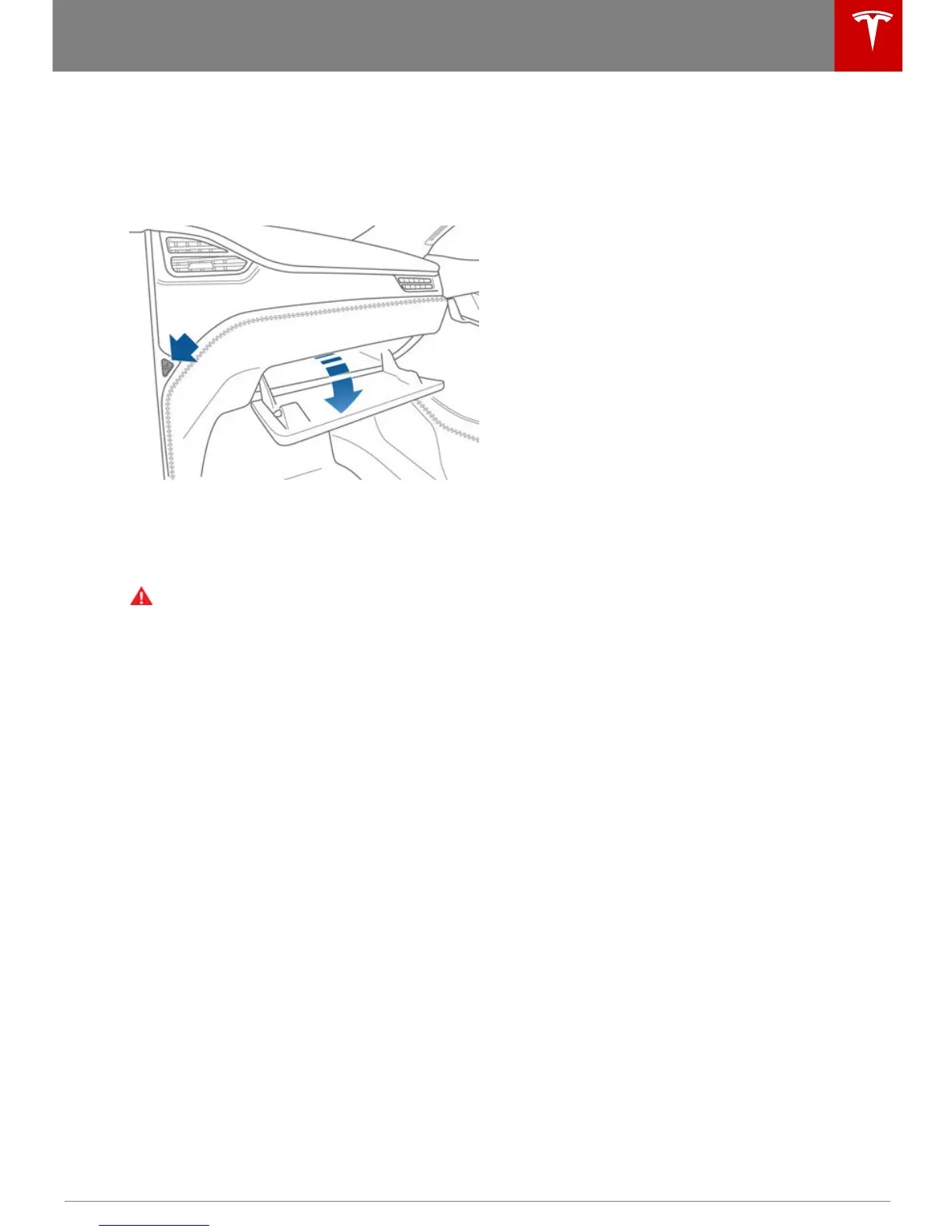
To open the glove box, press the switch
located to the right of the touchscreen. If you
leave the glove box open for five minutes, its
light automatically turns off.
Note: The glove box locks whenever Model S
is locked externally, using the key or walk-
away locking. It does not lock when Model S is
locked using the touchscreen.
Warning: When driving, keep the glove
box closed to prevent injury to a
passenger if a collision or sudden stop
occurs.
Opening and Closing
Opening and Closing 13



 To Next Page