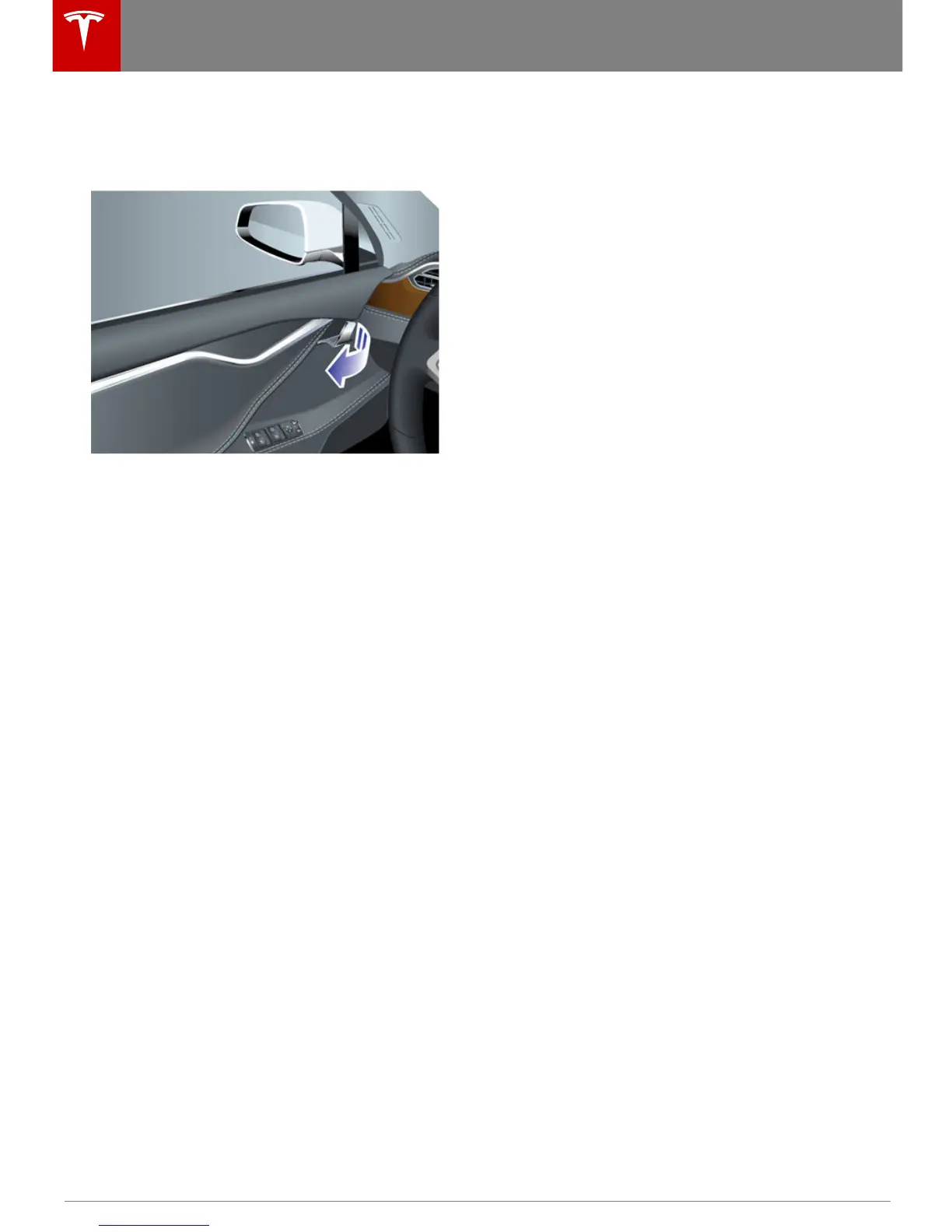
Using Interior Door Handles
Pull the interior door handle toward you to
open the door.
Note: To prevent children from opening rear
doors using the interior handles, use the
touchscreen, Controls > Settings > Vehicle >
Child Protection Lock, to turn on the child-
protection locks (see Child-protection Lock on
page 6).
Interior Locking and Unlocking
From inside Model S, you can use the
touchscreen to lock or unlock doors and
trunks, provided a valid key is inside the
vehicle. Touch Controls > Lock/Unlock. The
current lock status displays on the bottom left
of the instrument panel.
Note: If a door or trunk is still open when you
lock Model S, it locks when you close it.
Child-protection Lock
Model S has child-protection locks on the rear
doors and liftgate to prevent them from being
opened using interior handles. Use the
touchscreen to turn child protection locks on
or off. Touch Controls > Settings > Vehicle >
Child Protection Lock.
Note: It is recommended that you turn child-
protection locks on whenever children are
seated in the rear seats.
Drive-away Locking
Model S can automatically lock all doors
(including the trunks) whenever your driving
speed exceeds 5 mph (8 km/h). To turn this
feature on or off, touch Controls > Settings >
Vehicle > Drive-Away Door Lock.
Walk-away Locking
If Model S is equipped with the optional tech
package, Model S doors and trunks can
automatically lock whenever you walk away
carrying the key.
To turn this feature on or off, touch Controls >
Settings > Vehicle > Walk-Away Door Lock.
Note: If all doors are closed and you double-
click the key to unlock Model S, walk-away
locking is temporarily suspended until the
next time you use the key to lock Model S.
This allows you to keep Model S unlocked in
your garage.
Opening and Closing
6 Model S Owner's Manual



 To Next Page