9
ENG
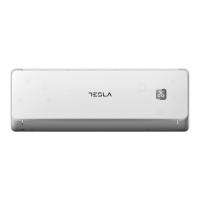
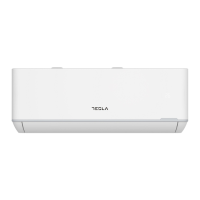
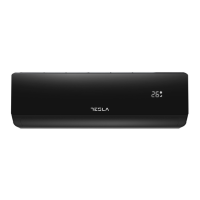
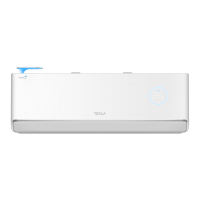
The display and some functions of the remote control may vary according to the model.
The shape and position of buttons and indicators may vary according to the model, but their function is the
same.
The unit confirms the correct reception of each button with the beep.
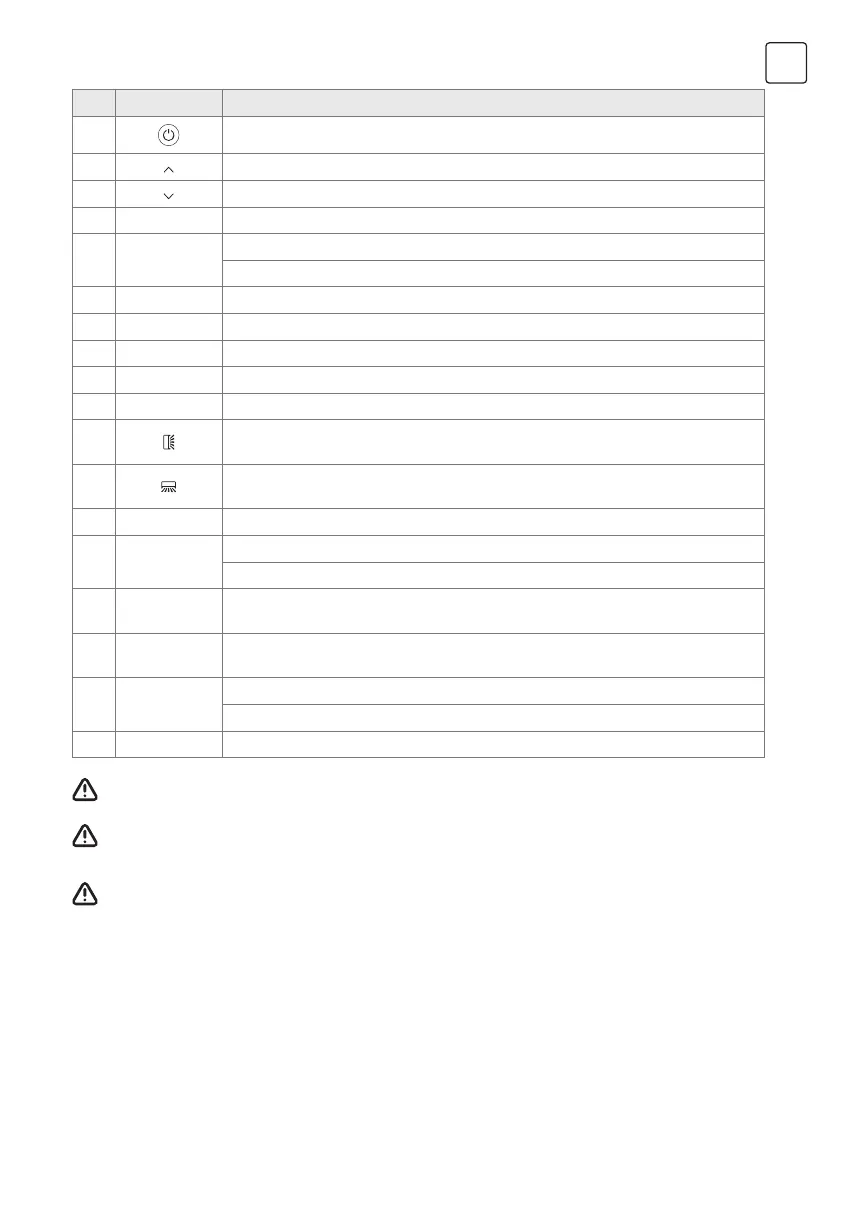
No. Button Function
1
To turn on/off the air conditioner .
2
To decrease temperature, or Timer setting hours.
3
To increase temperature, or Timer setting hours.
4 MODE To select the mode of operation (AUTO, COOL, DRY, FAN, HEAT).
5 ECO
To activate/deactivate the ECO function.
Long press to activate/deactivate the 8�C heating function (depending on models).
6 TURBO To activate/deactivate the TURBO function.
7 FAN To select the fan speed of auto/mute/low/low-mid/mid/mid-high/high/turbo.
8 TIMER To set the time for timer on/off.
9 SLEEP To switch-on/off the function SLEEP.
10 DISPLAY To switch-on/off the LED display.
11
To stop or start horizontal louver movement or set the desired up/down air flow
direction.
12
To stop or start horizontal louver movement or set the desired left/rightair flow
direction.
13 I FEEL To switch-on/off the I FEEL function.
14 MUTE
To switch-on/off the MUTE function.
Long press to activate/deactivate the GEN function (depending on models).
15
MODE +
TIMER
To activate/deactivate the CHILD-LOCK function.
16
GENTLE
WIND
To activate/deactivate the GENTLE WIND function (depending on models).
17 HEALTH
To activate/deactivate the HEALTH function (depending on models).
To activate/deactivate the SELF-CLEAN function when switch OFF.
18 FRESH AIR To activate/deactivate the Fresh Air function and select the fan speed.



 To Next Page