Chapter 7 – Maintenance
TestEquity 1007H Temperature Chamber Page 7-7
How to Drain the Humidity System
1. This procedure drains the water in the humidifier only, not the water recirculation system.
2. Wait at least 2 hours after running a humidity test before draining the system.
3. Turn all front panel switches and the Disconnect Switch OFF.
4. Remove the left side panel (left side if facing the front of the chamber).
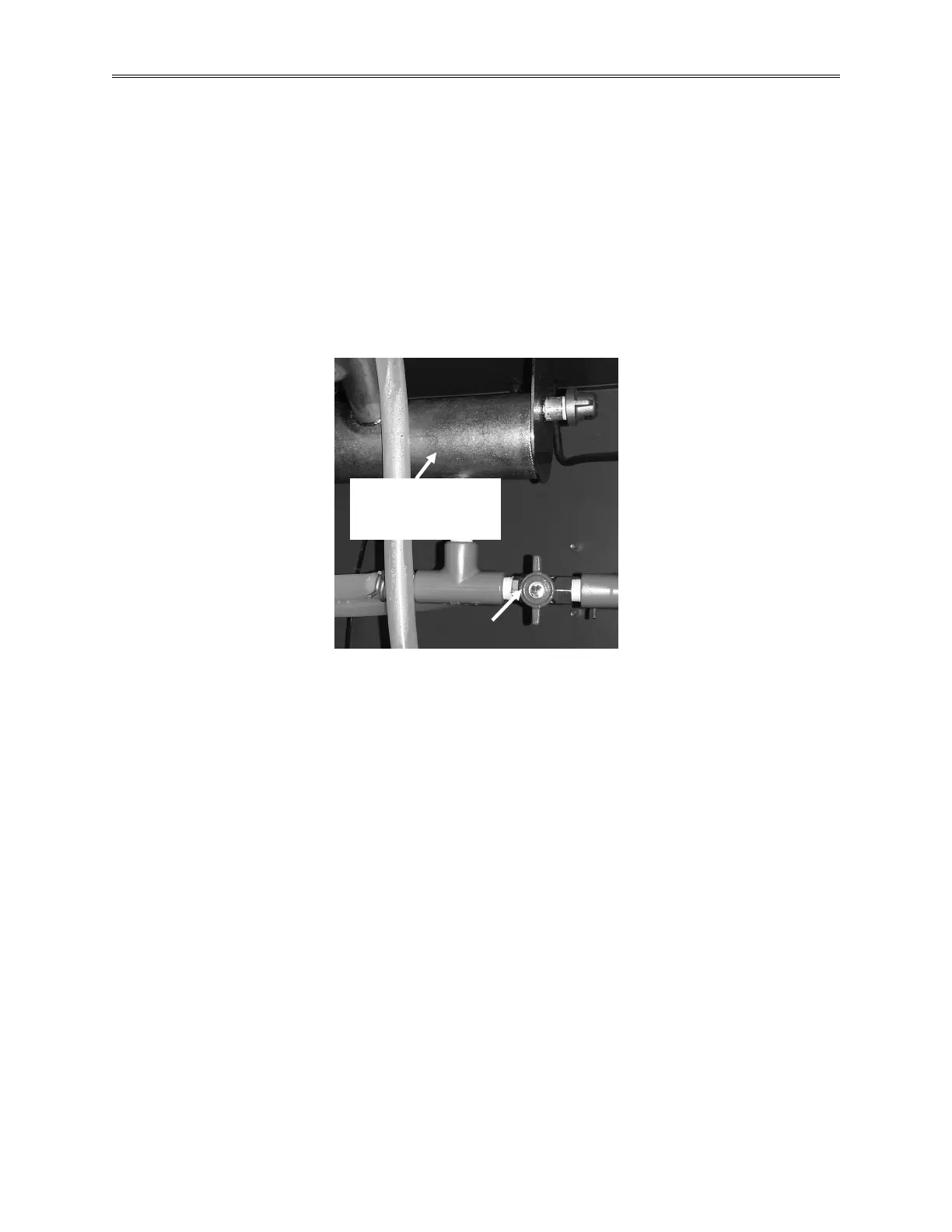
5. Open the Drain Valve by turning its handle 90 degrees counter-clockwise (as if you are
facing the front of the valve handle).
6. After the system is drained, close the Drain Valve by turning its handle 90 degrees clockwise
(as if you are facing the front of the valve handle).
Figure 7-2 – Humidity Drain Valve (shown in closed, or normal operating position)
Humidifier. Warning – will
be very hot during humidity
system operation and can



 To Next Page