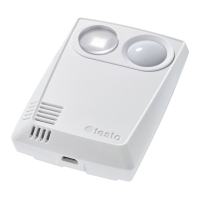
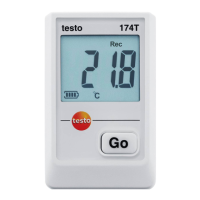
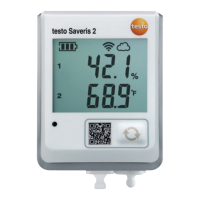
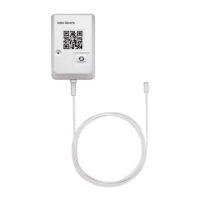
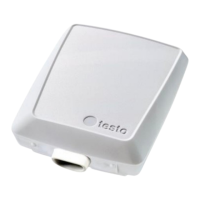
For testo 160 T:
Loosen the battery cover by slightly
loosening the screws on the back of
the housing.
For testo 160 TH and testo 160 E:
Open the battery compartment cover.
Remove battery safety strips.
If the data logger is to be used at temperatures below -10 °C, replace
the existing batteries with lithium batteries (0515 1042).
The online data logger is now activated.
Close the battery compartment.
For online data loggers with external sensors:
Connect the sensor to the intended location.
Optional mains operation
The testo 160 online data loggers can also be powered via the USB port instead
of being run on batteries. However, the online data loggers do not have a
charging function, i.e. no rechargeable batteries in the online data logger can be
charged up via the USB port. If you connect the online data logger to the USB
port on your PC, the online data logger automatically switches to mass storage
and configuration mode. A PC is therefore not suitable as a voltage source for
logger operation.
Symbol explanation
Do not allow children under 6 years of age to play with batteries.
Do not throw batteries in the trash.
Do not place batteries near fire.
Batteries are recyclable.


 To Next Page