9 Tips and assistance
27
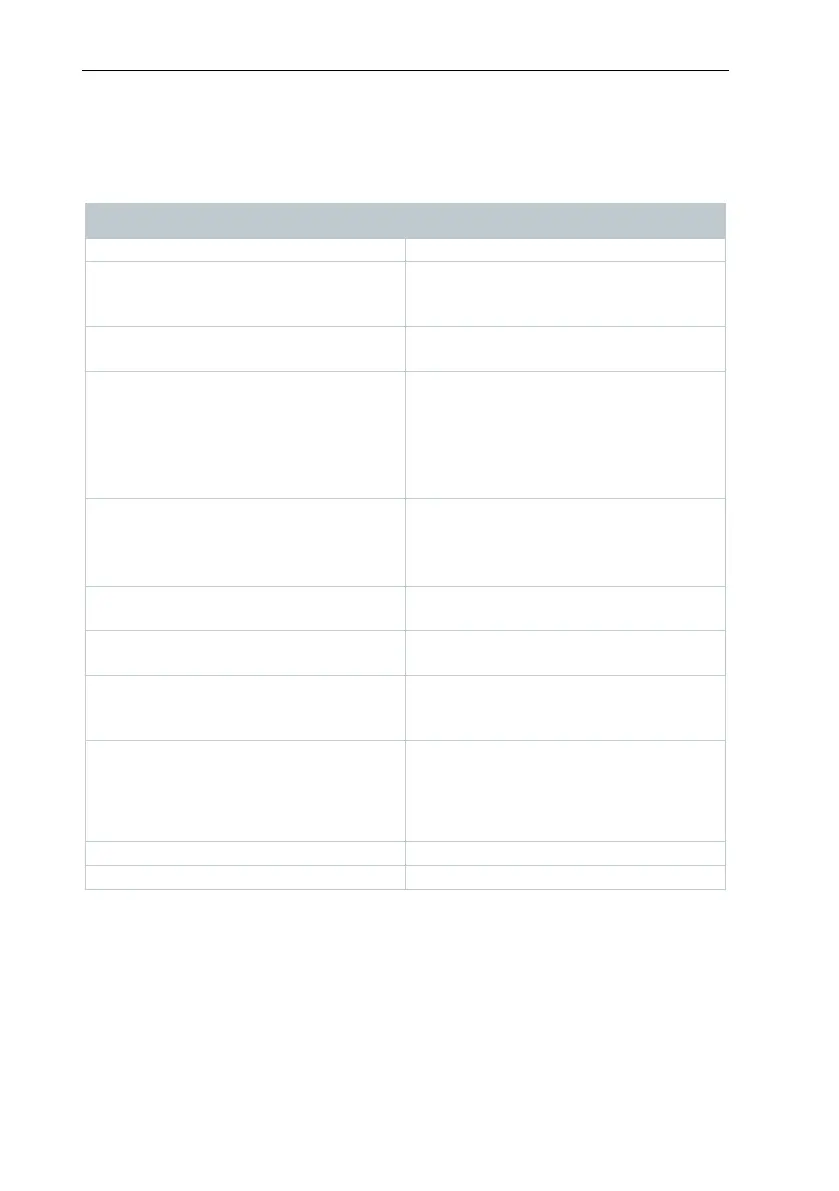
9.2 Status LED signals
The following table provides an overview of the meaning of the various status
LED signals of the testo 160 WiFi data logger.
LED flashes green at one-second
intervals
(for 5 min, then 1 long red flash)
Configuration mode (hotspot) - press
button > 3 sec
LED flashes green every 200 ms (for
10 seconds)
Configuration app: During hotspot
mode press button < 3 sec
Connection to WLAN failed (incorrect
SSID, incorrect SSID password,
incorrect account ID or incorrect
account password, attempt to log the
testo 160 E into the Cloud without any
external probes connected.)
If XML is correct, LED gives 1 long
green flash
If XML is incorrect, LED gives 3 red
flashes
Configuration via USB/PDF
LED gives 2 green flashes
Connection to WLAN and Cloud
successful
LED gives 1 long red flash
Alarm activated due to limit value
violation
LED gives 5 green flashes
Reset WiFi data logger to factory
settings
Press key > 20 sec
LED gives 1 green flash
(measurement data collected)
LED gives 2 short green flashes
(measurement data transmitted)
Send measurement data to the Testo
Cloud (website): press key < 3 sec
Measurement data transmitted
successfully
LED flashes alternately green and red
Firmware update via USB or wireless



 To Next Page